









Change the World

Chip-Designerin Emma lebt im Jahr 2050 und gerät – per Zufall – in ein Spiel, in dem es um nicht weniger geht, als mithilfe ihrer Fähigkeiten im IC-Design einen humanoiden Roboter zu kreieren und so die Zukunft zu verändern.

Ob Emma es schafft? Seht selbst!

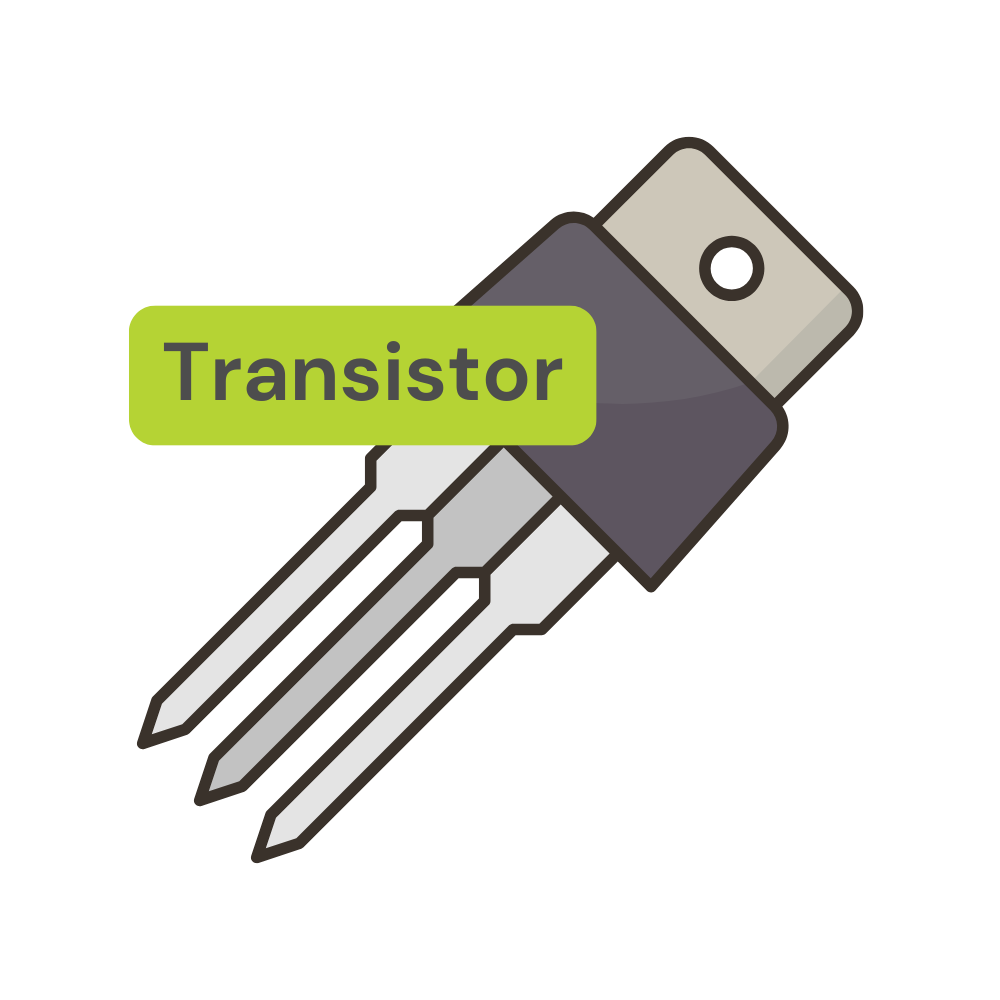
Transistor

Ein Transistor ist ein kleines, elektronisches Bauteil, das wie ein Schalter oder Verstärker funktioniert. Man kann ihn sich wie ein Ventil vorstellen, das den Fluss von elektrischer Energie steuert. Wenn eine kleine Menge Strom an einen bestimmten Teil des Transistors angelegt wird, erlaubt er einer größeren Menge Strom durch einen anderen Teil zu fließen.

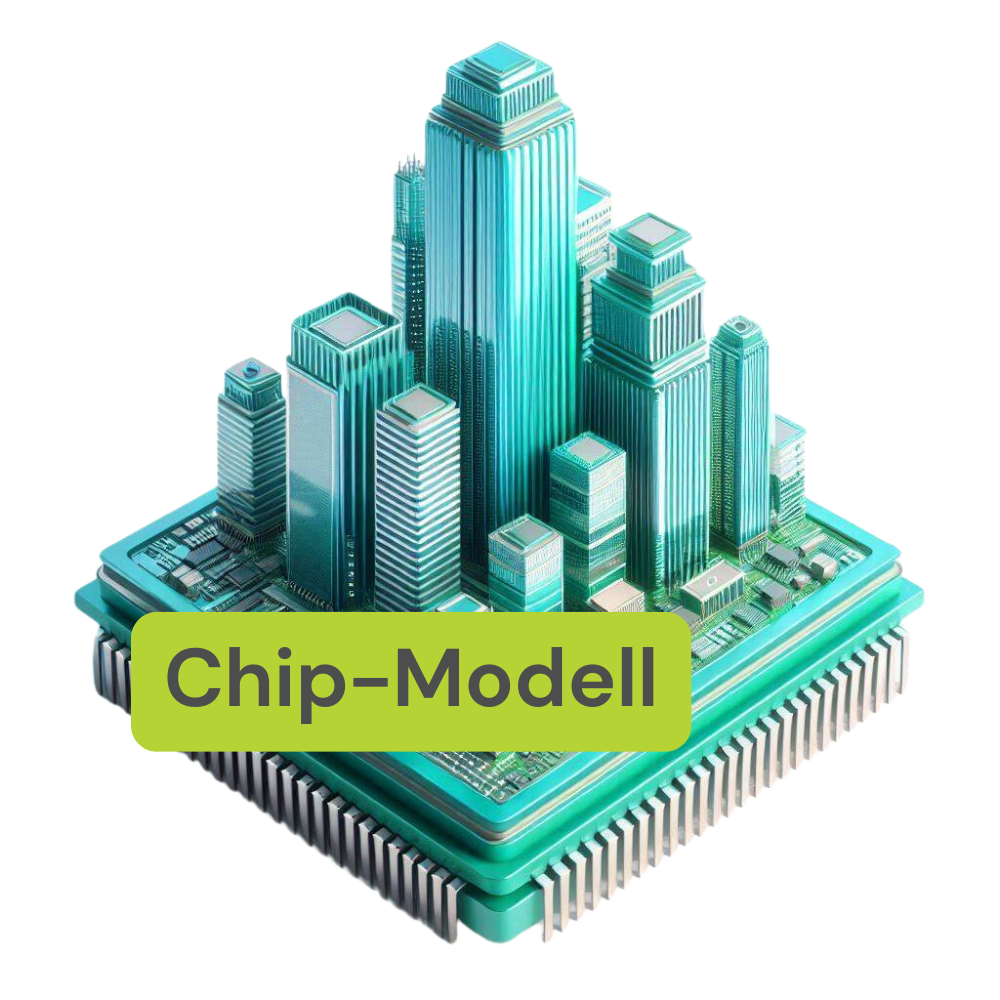
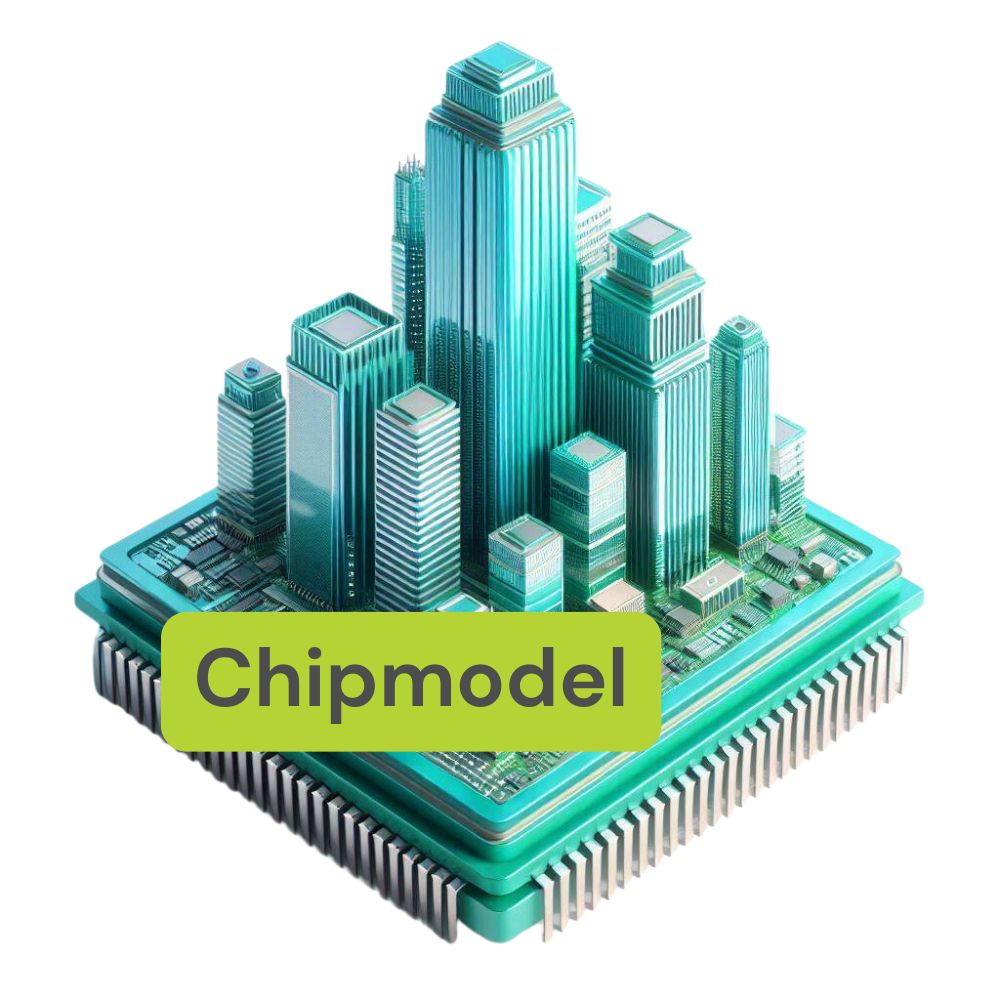
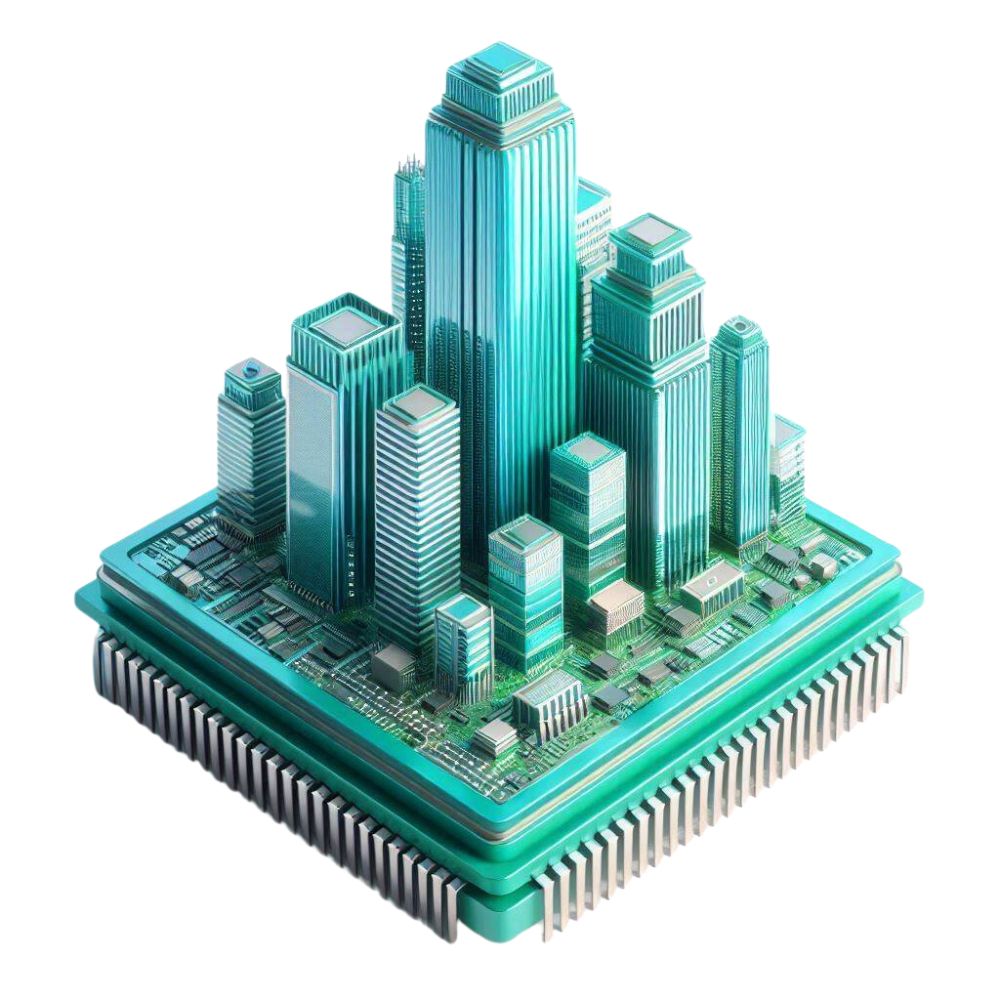
Herstellung eines Wafers - Ein Hochhaus-Modell

Stell dir vor, die Herstellung eines Wafers ist wie der Bau eines modernen Hochhauses:

Grundsteinlegung (Gewinnung von Silizium):

Alles beginnt mit der Gewinnung von hochreinem Silizium aus Quarzsand, ähnlich wie der Grundstein eines Gebäudes gelegt wird.

Fundament (Schmelzen und Formen):

Das Silizium wird geschmolzen und zu einem massiven Einkristallstab geformt, der als das stabile Fundament des Hochhauses dient. Dieser Stab wird auch „Ingot“ genannt.

Stockwerke (Schneiden und Polieren):

Der Einkristallstab wird in dünne Scheiben geschnitten, die wie die einzelnen Stockwerke eines Hochhauses sind. Diese Scheiben werden sorgfältig poliert, um eine glatte und ebene Oberfläche zu erhalten, ähnlich wie der Boden eines jeden Stockwerks vorbereitet wird.

Innenausbau (Fotolithografie, Ätzen und Dotieren):

Auf jedem Stockwerk (Wafer) werden durch verschiedene Prozesse, wie Fotolithografie, Ätzen und Dotieren, die komplexen Strukturen eingebaut. Diese Prozesse entsprechen dem Innenausbau des Hochhauses, bei dem Wände, Leitungen und Räume gestaltet werden. Dabei entstehen Millionen von Transistoren und anderen elektronischen Bauteilen in mehreren Schichten, die wie verschiedene Installationen in den Stockwerken angeordnet sind.

Abschluss (Zerschneiden und Einbau)

Nach Abschluss der Arbeiten wird das Hochhaus (Wafer) in einzelne Wohnungen (Chips) unterteilt. Diese Wohnungen werden dann weiterverarbeitet und in verschiedene Stadtteile (elektronische Geräte) eingebaut.

Wie beim Bau eines Hochhauses erfordert die Herstellung eines Wafers präzise Planung, hochwertige Materialien und sorgfältige Verarbeitungsschritte. Jeder Wafer ist die Basis für zahlreiche Mikrochips, die in den unterschiedlichsten Geräten unseres Alltags zum Einsatz kommen.

*Hiermit wird darauf hingewiesen, dass für die Erstellung des nachstehenden Textes sowie des beigefügten Bildes eine Künstliche Intelligenz (KI), namentlich Copilot, verwendet wurde. Jegliche Inhalte, die durch diese KI generiert wurden, unterliegen den geltenden Urheberrechtsbestimmungen und Nutzungsrichtlinien von Copilot.

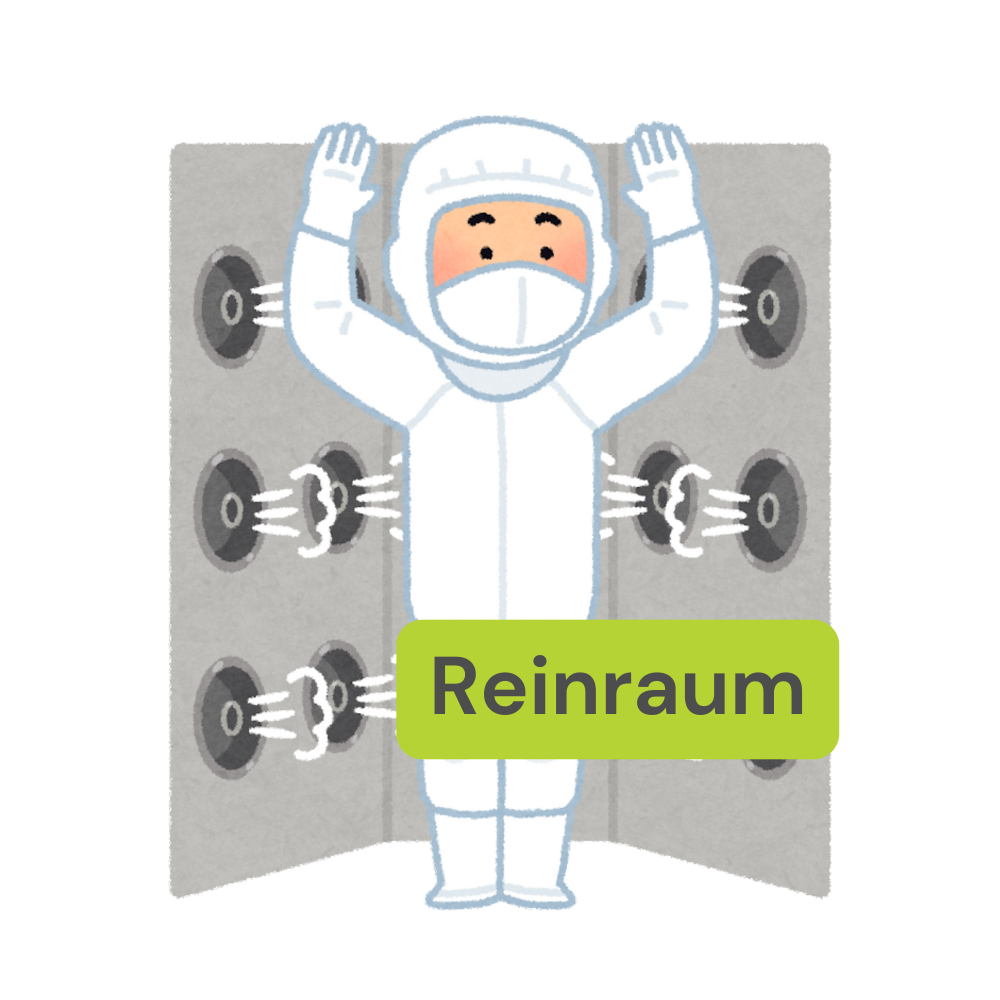
Reinraum

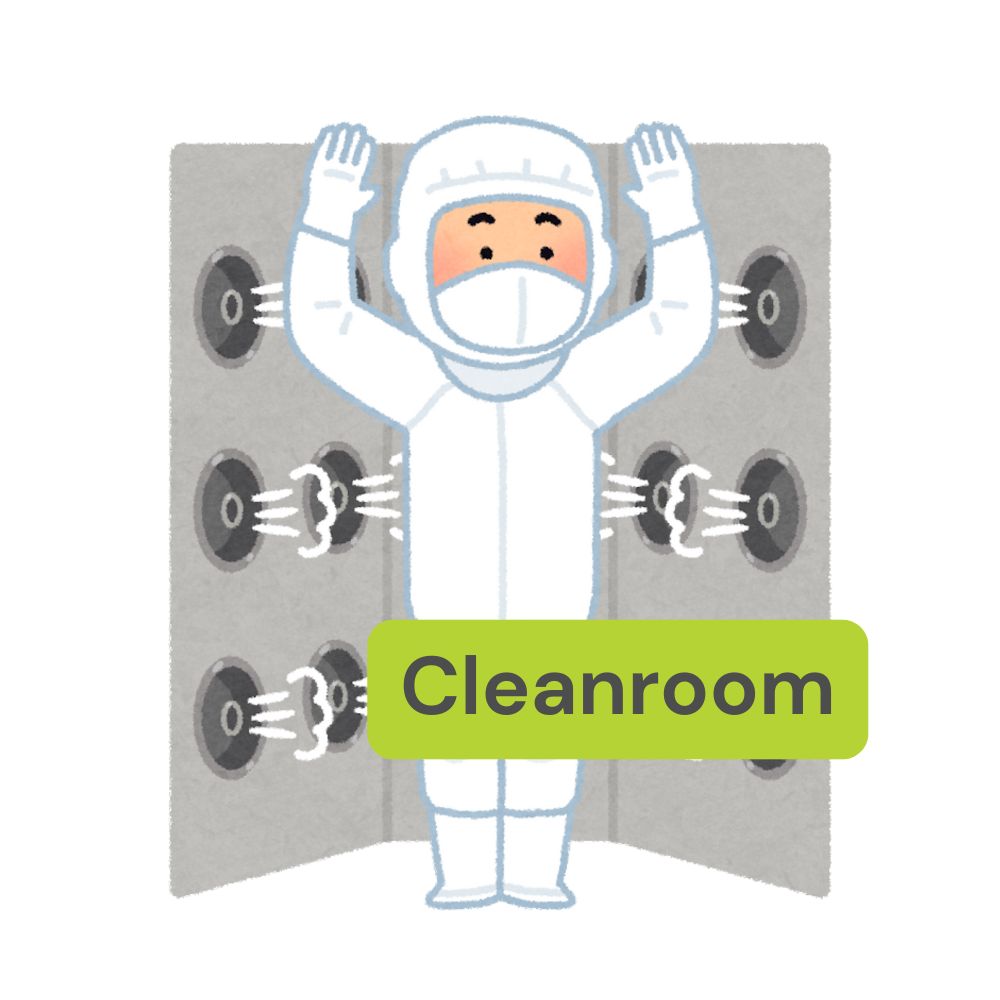
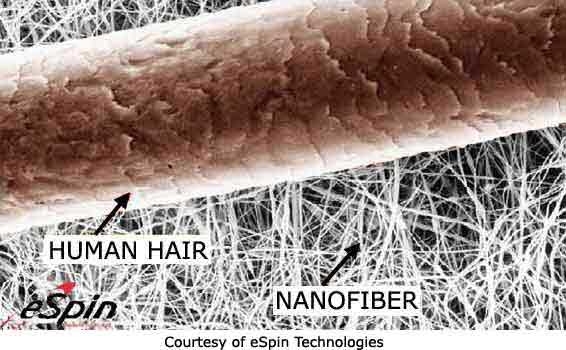
Ein Reinraum ist ein kontrollierter Raum, in dem die Konzentration von Partikeln in der Luft auf ein Minimum reduziert wird, um eine saubere Umgebung für die Herstellung von Chips zu gewährleisten. In einem Reinraum werden strenge Maßnahmen ergriffen, um die Luftreinheit, Temperatur und Feuchtigkeit zu kontrollieren. Mitarbeiter tragen spezielle Kleidung. Somit ist die Luft in den Produktionshallen sauberer als in einem OP-Saal. Hier ein Beispiel: Wenn ein einzelnes Haar in einen Reinraum gelangt, könnte schon die Oberfläche eines Wafers beschädigt werden, was zu einem fehlerhaften Chip führen würde.

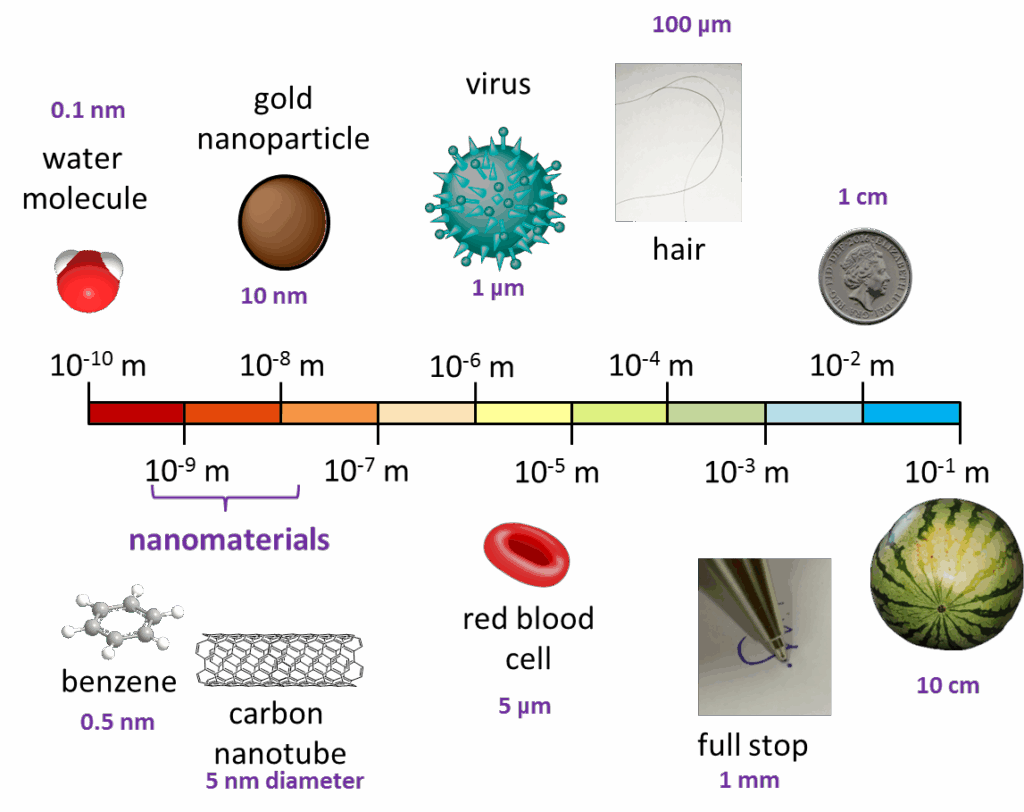
Ein menschliches Haar hat einen Durchmesser von etwa 50 bis 100 Mikrometern. Zum Vergleich: Die Strukturen auf modernen Mikrochips sind oft nur wenige Nanometer groß, das heißt, sie sind tausendmal kleiner als der Durchmesser eines Haares.

Quelle: Technische Universität Braunschweig. (o. J.). Umformen metallischer Nanopartikel. Abgerufen am 15. Juli 2024, von https://www.tu-braunschweig.de/ifw/forschung/neue-werkstoffe/umformen-metallischer-nanopartikel

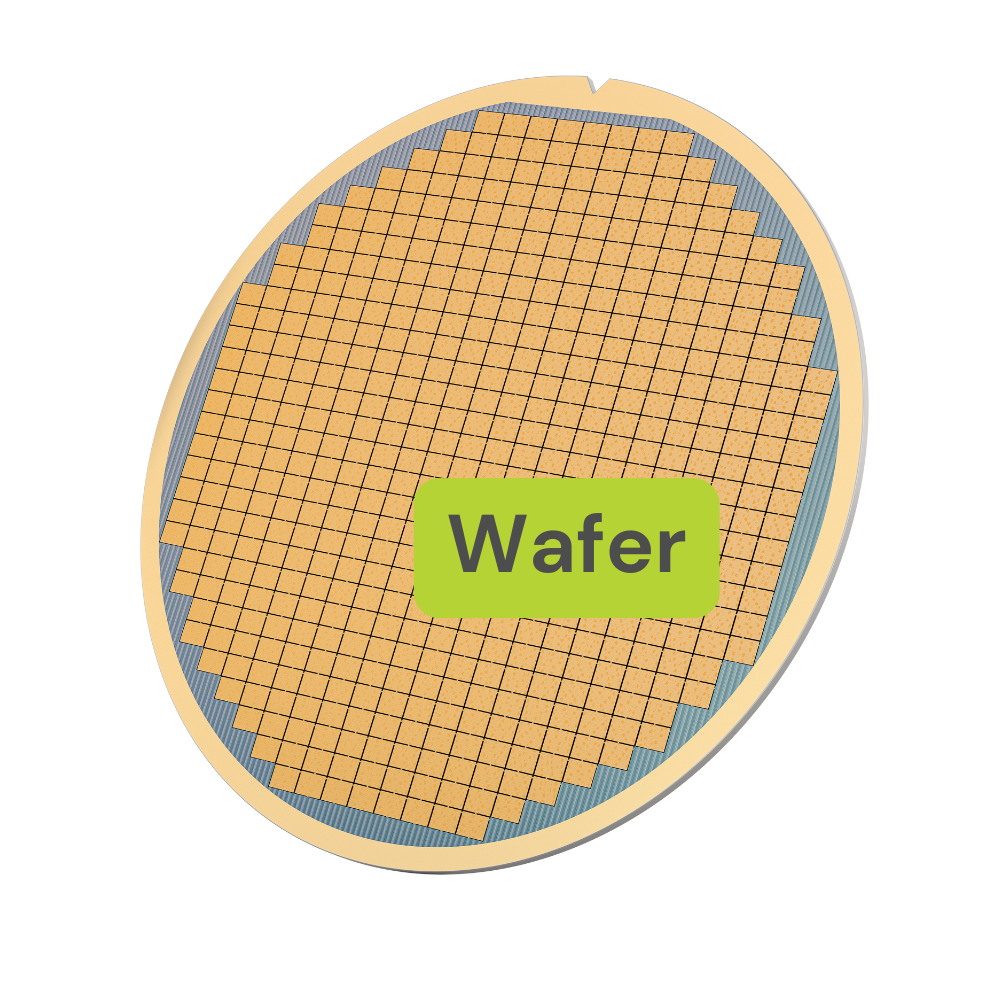
Wafer

Ein Wafer ist eine dünne Scheibe meist aus hochreinem Silizium, die als Grundlage für die Herstellung von Mikrochips dient. Wafer sind typischerweise nur wenige Millimeter dick, können aber einen Durchmesser von bis zu 300 Millimetern haben. Ohne Wafer wäre die Produktion von Mikrochips, die in Computern, Smartphones, medizinischen Geräten und zahlreichen anderen Anwendungen eingesetzt werden, nicht möglich.

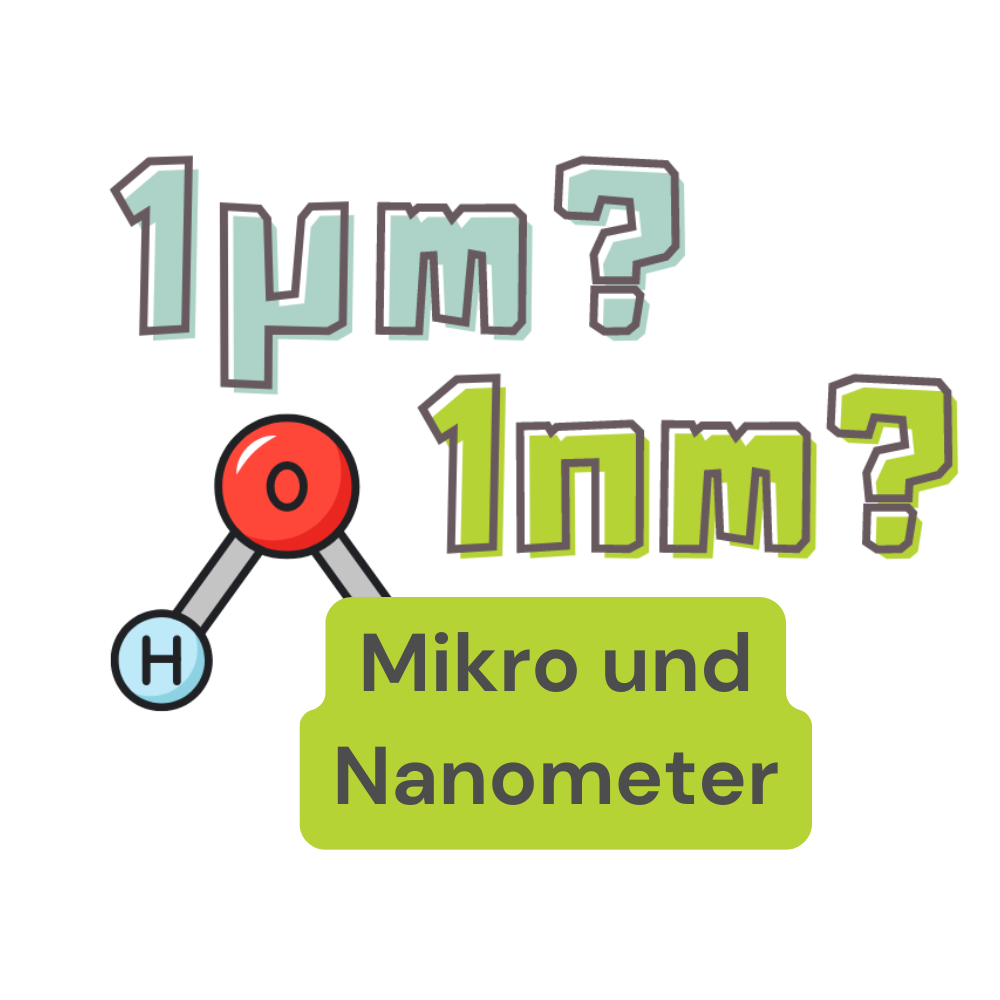
Wie kann man sich Mikro- und Nanometer vorstellen?

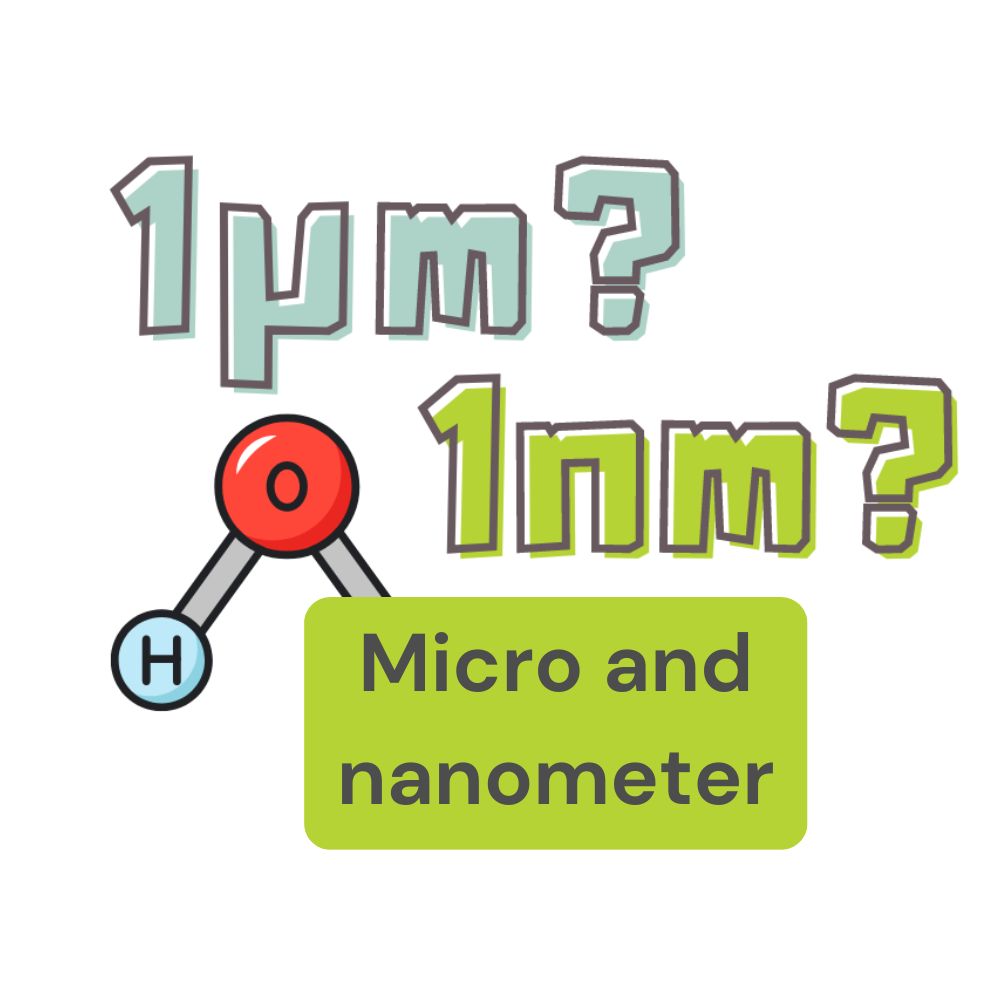
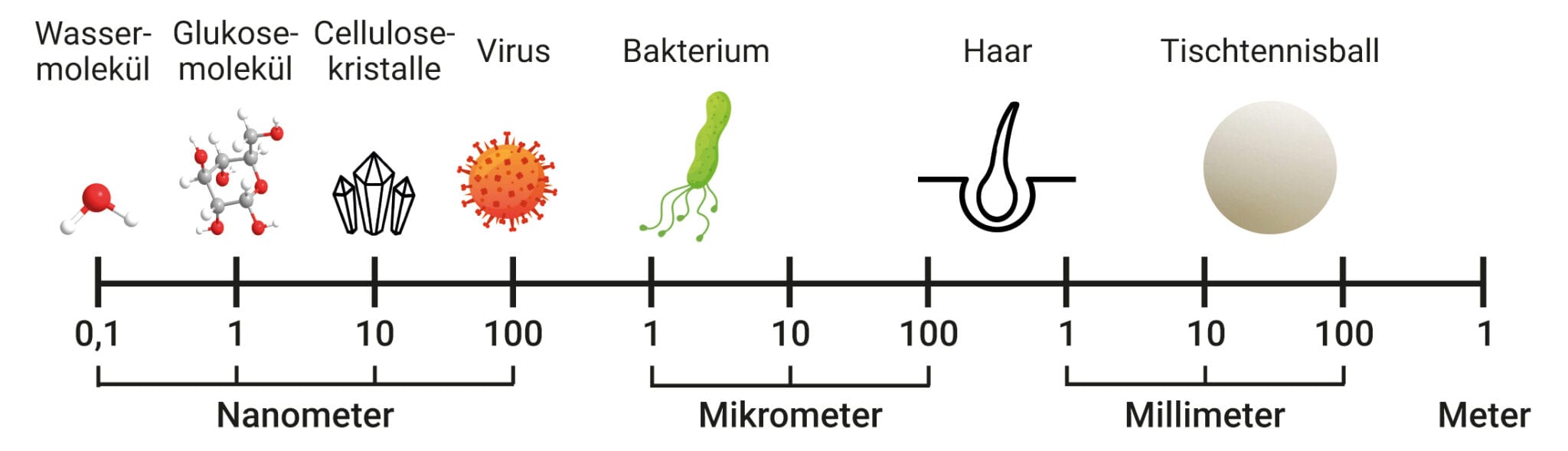
Ein Mikrometer (µm) entspricht einem Millionstel (1/1.000.000) eines Meters. Ein menschliches Haar hat einen Durchmesser von 50 bis 100 Mikrometer.

Bildlink: https://www.max-wissen.de/wp-content/uploads/Techmax/Techmax28/t28-abb-a-nanowelt-big-2048×589.jpg

Ein Nanometer (nm) entspricht einem Milliardstel (1/1.000.000.000) eines Meters. Das ist noch kleiner als ein Mikrometer (µm) und entspricht ungefähr der Größe von etwa zehn Wassermolekülen, die hintereinander angeordnet sind.

Anwendungsbereiche Mikrochips

Tagtäglich verwenden wir tausende von ihnen, kein technisches Gerät würde ohne sie funktionieren: unterschiedlich kleine Mikrochips, manche so winzig wie der Kopf eines Streichholzes. 

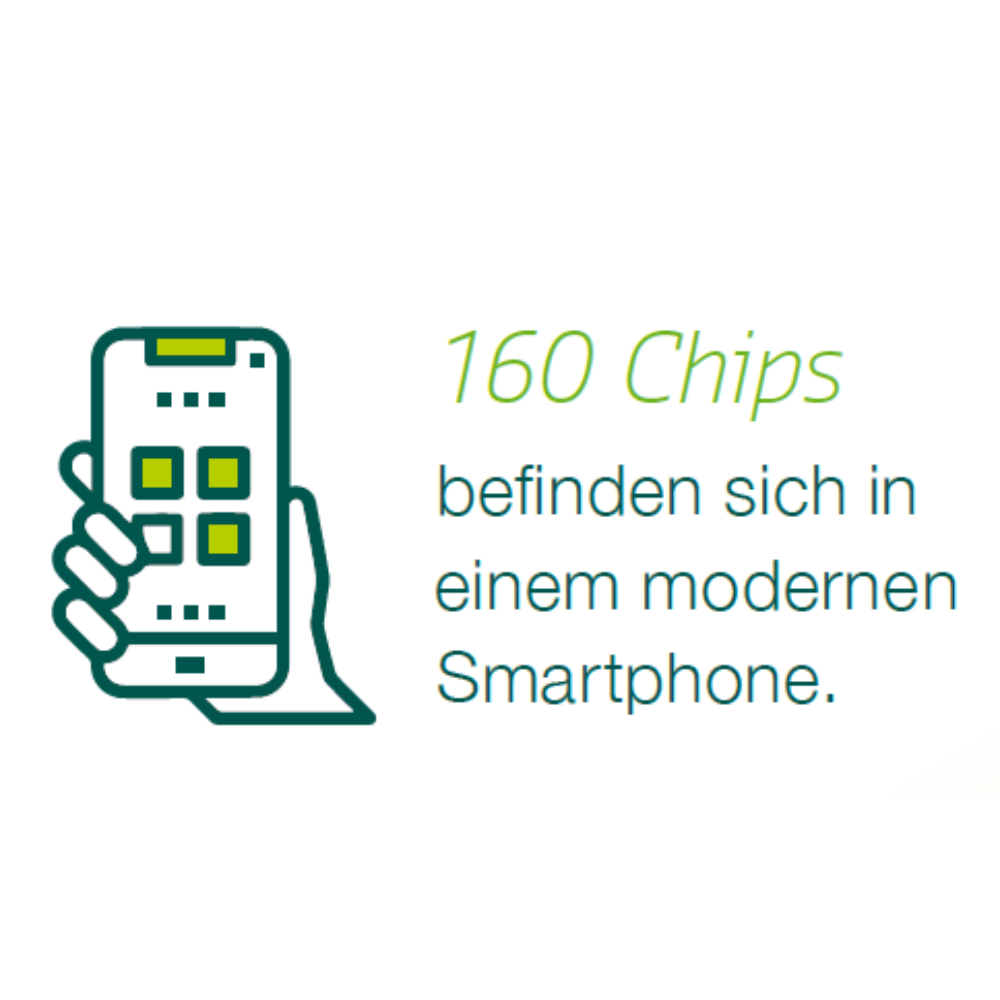
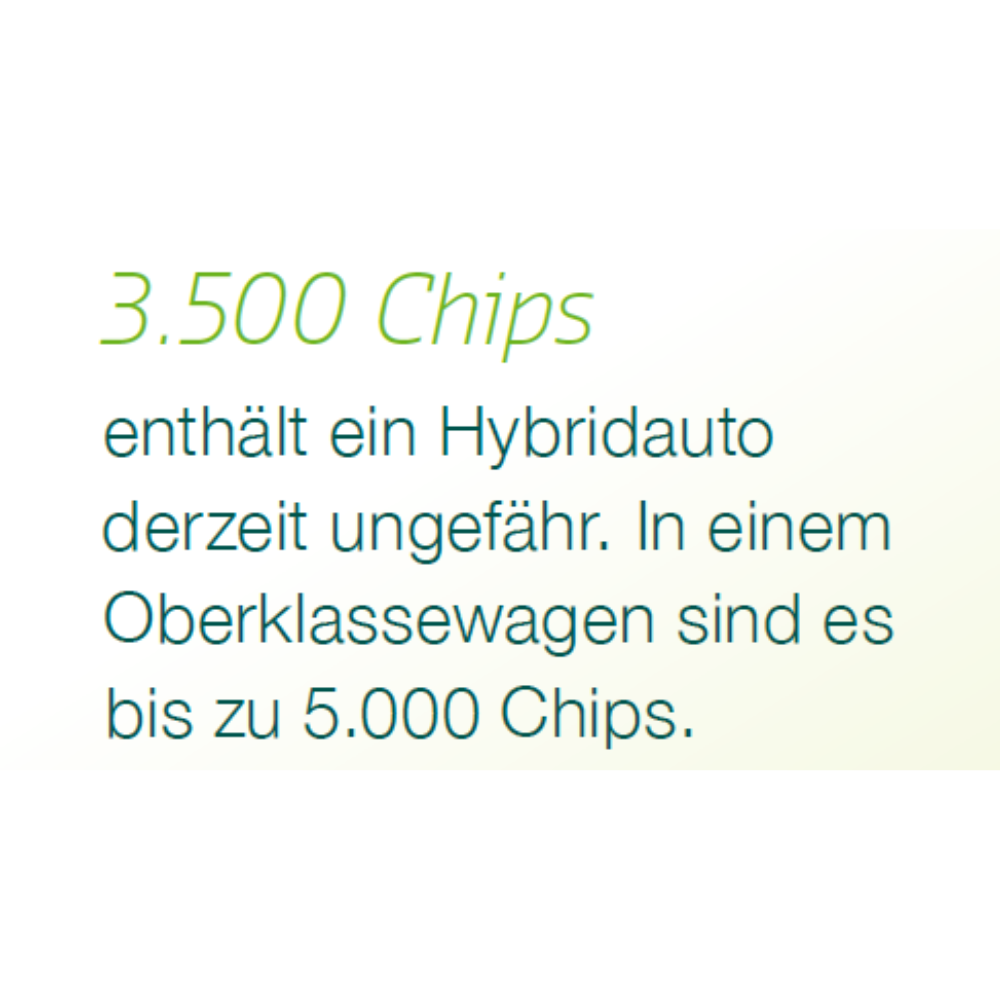
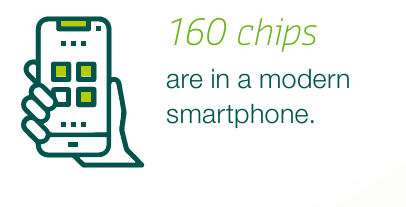
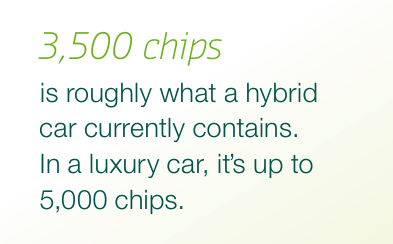
Wusstest du, wie viele Chips in einem Smartphone oder einem Hybridauto verbaut sind?

Quelle: Silicon Saxony. (2023). *NEXT 2023: Mikroelektronik*. Abgerufen von https://silicon-saxony.de/wp-content/uploads/2023/11/NEXT_2023_Mikroelektronik_SiliconSaxony_Link.pdf

Gelblicht - Warum ist im Reinraum alles gelb?

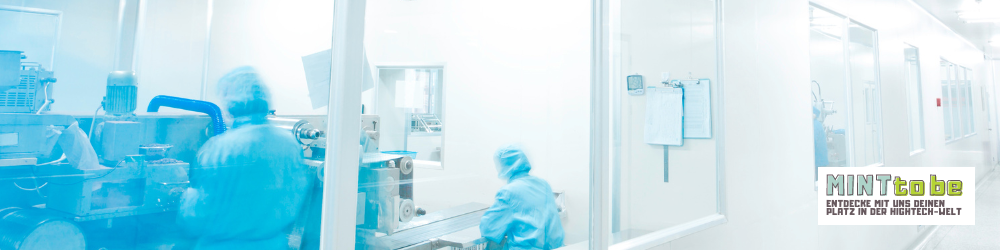
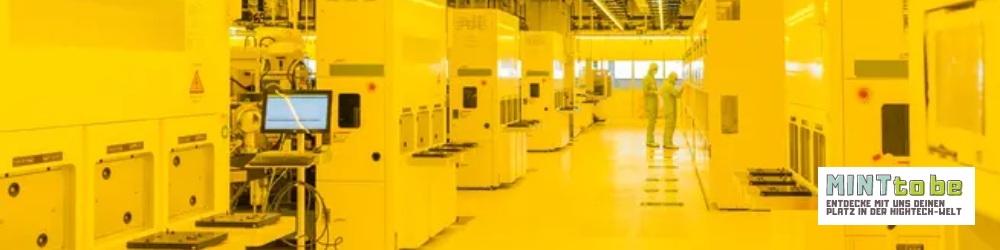
Gelblicht wird in Reinräumen verwendet, um die empfindlichen Fotolacke zu schützen, die in der Mikrochip-Herstellung eingesetzt werden. Diese Fotolacke reagieren auf bestimmte Wellenlängen des Lichts, insbesondere auf kurzwelliges, blaues und ultraviolettes Licht. Wenn sie ungeschützt diesem Licht ausgesetzt werden, könnten sie unerwünschte chemische Reaktionen eingehen und die feinen Muster, die auf die Wafers übertragen werden, verfälschen.

Durch die Verwendung von Gelblicht, wird sichergestellt, dass die Fotolacke nur dann reagieren, wenn es im kontrollierten Produktionsprozess beabsichtigt ist. Dies trägt wesentlich dazu bei, die Präzision und Qualität der Mikrochips zu gewährleisten.

Bildquelle: René Höltschi (2021). Bosch eröffnet Chip-Werk in Dresden. Neue Zürcher Zeitung. Abgerufen am 15. Juli 2024, von https://www.nzz.ch/wirtschaft/bosch-eroeffnet-chip-werk-in-dresden-nzz-ld.1629105

Women in Tech

Sarah Detzler hat Mathe schon immer geliebt. Sie hat sich nie von Geschlechterstereotypen abhalten lassen, sondern ist ihrer Leidenschaft treu geblieben und arbeitet heute als Data Scientist bei SAP.

Programmiersprache

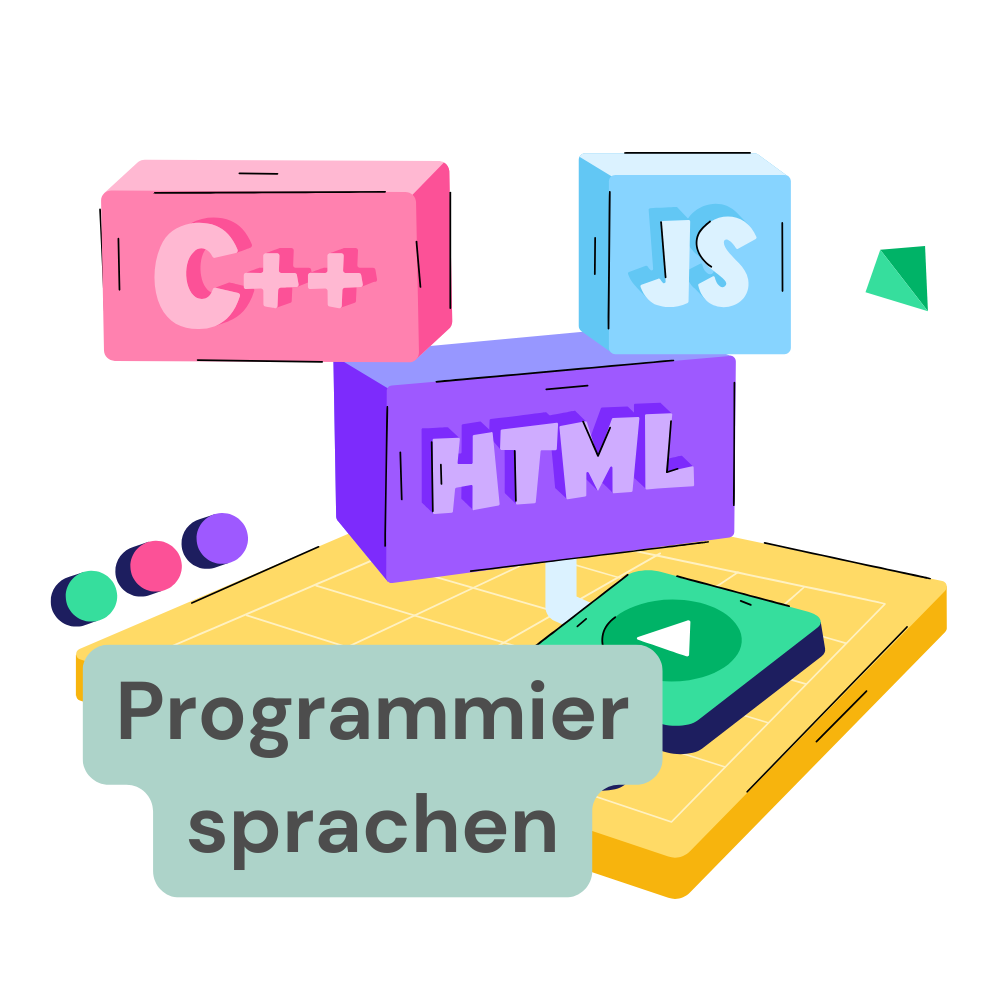
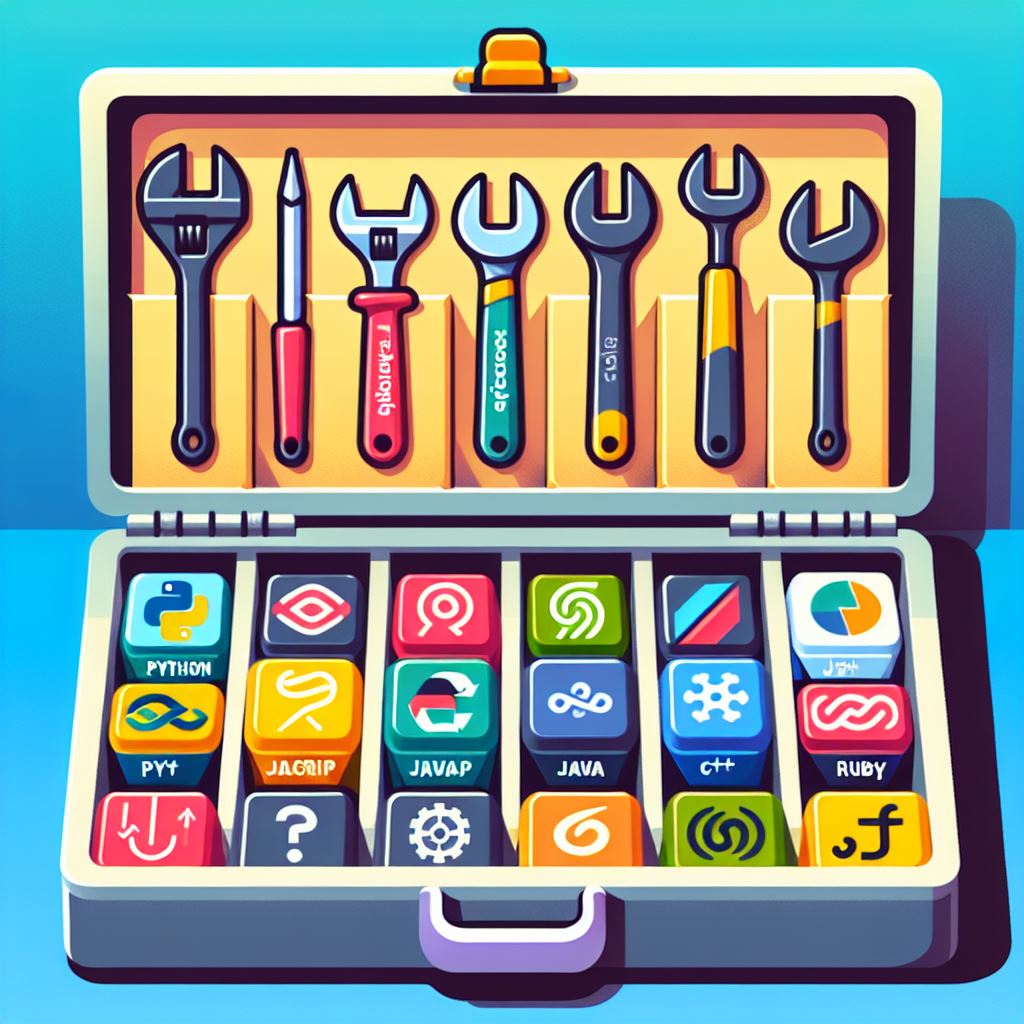
Programmiersprachen sind spezielle Sprachen, mit denen Menschen Programme schreiben können. Sie haben klare Regeln und Befehle, die der Computer versteht. Bekannte Sprachen sind Python, Java und HTML. 

Beispiel: Mit Scratch, einer visuellen Programmiersprache, können Schüler Spiele erstellen. 

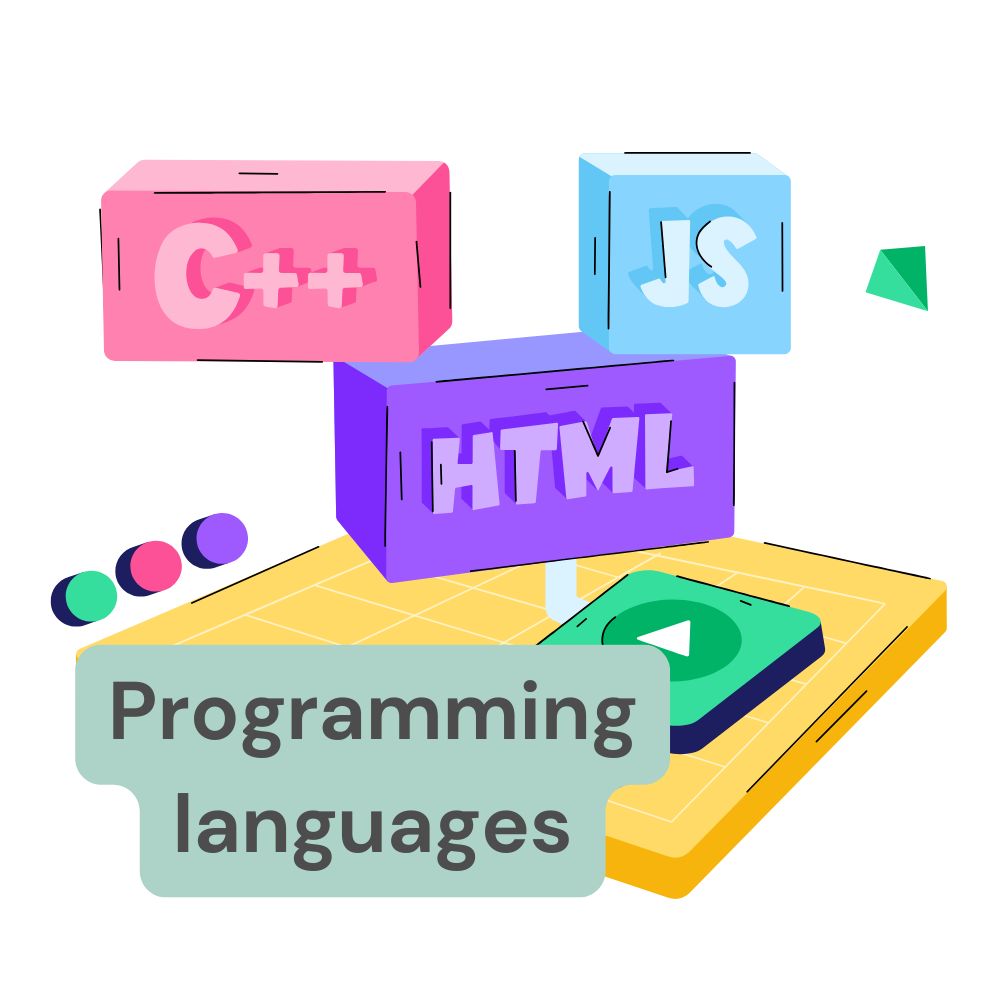
Was sind Programmiersprachen? 

Programmiersprachen sind spezielle Sprachen, die verwendet werden, um Computeranweisungen zu schreiben. Mit ihnen können wir Computerprogramme erstellen, die verschiedene Aufgaben ausführen. Hier sind einige Beispiele:  

C: Eine der ältesten Programmiersprachen, die immer noch weit verbreitet ist. Sie wird häufig für Systemprogrammierung und eingebettete Systeme verwendet.  

C++: Eine Erweiterung von C, die objektorientierte Programmierung ermöglicht. Es wird für die Entwicklung von Spielen, Softwareanwendungen und High-Performance-Anwendungen genutzt.  

Python:  Eine sehr beliebte und einfach zu erlernende Programmiersprache. Python wird für Webentwicklung, Datenanalyse, wissenschaftliche Berechnungen und künstliche Intelligenz verwendet. Sie ist bekannt für ihre klare und leicht lesbare Syntax.  

Java:  Eine weit verbreitete Programmiersprache, die auf vielen Plattformen läuft. Java wird häufig für die Entwicklung von mobilen Apps (besonders Android-Apps), Unternehmenssoftware und Webanwendungen genutzt. Es ist bekannt für seine Plattformunabhängigkeit dank der Java Virtual Machine (JVM).  

Debugging

Debugging bedeutet, Fehler in einem Programm zu finden und zu beheben. Fehler können verhindern, dass ein Programm richtig funktioniert. Debugging ist ein wichtiger Teil der Softwareentwicklung. 
Beispiel: Wenn ein Spiel abstürzt, suchen Entwickler nach dem Fehler und beheben ihn.

Wortherkunft: Englisch, debug = Fehler beseitigen (bug = Käfer, steht hier für einen Softwarefehler). 
Bedeutung: Der Vorgang, bei dem Fehler in Programmen gefunden und beseitigt werden. 

Frontend

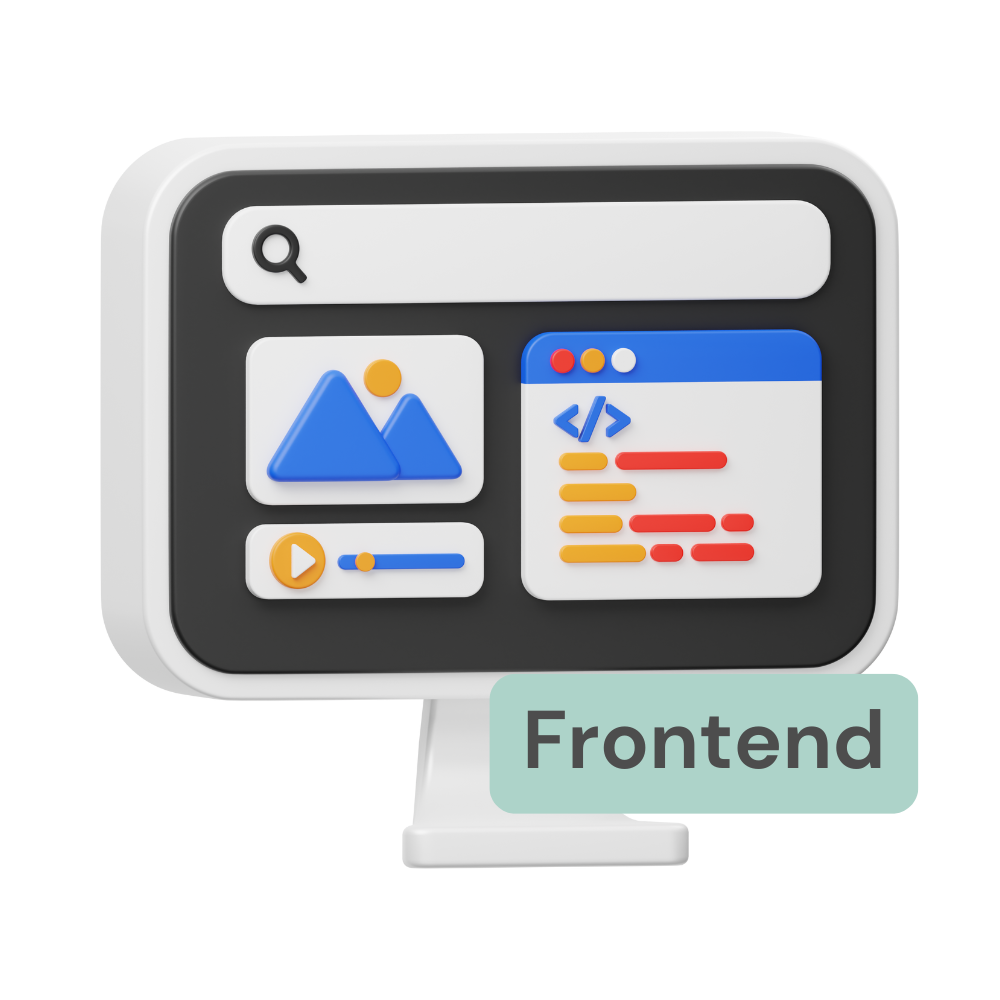
Das Frontend ist der sichtbare Teil einer Website oder App, den Nutzer bedienen können. Es umfasst das Design und alle interaktiven Elemente. Ein gutes Frontend sorgt dafür, dass Nutzer leicht finden, was sie suchen. 
Beispiel: Der Bereich auf Instagram, wo du deine Nachrichten liest, ist Teil des Frontends.

Wortherkunft: Englisch, front = vorne, end = Ende. 
Bedeutung: Der sichtbare Teil einer Software, den Benutzer bedienen können.

Cloud

Die Cloud ist ein Speicherort im Internet, wo Daten abgelegt werden. Statt Daten auf deinem Gerät zu speichern, kannst du sie von überall aus der Cloud abrufen. Das macht die Cloud sehr praktisch für Zusammenarbeit. 
Beispiel: Fotos auf Google Drive speichern und mit Freunden teilen. 

Wortherkunft: Englisch, cloud = Wolke. 
Bedeutung: Speicherplatz im Internet, der Daten „schwebend“ überall verfügbar macht. 

Künstliche Intelligenz

Künstliche Intelligenz (KI) ist eine Technologie, bei der Computer und Maschinen so programmiert werden, dass sie Aufgaben erledigen können, die normalerweise menschliches Denken erfordern. Dazu gehören Dinge wie Lernen, Problemlösen und das Verstehen von Sprache.

KI findet in vielen Bereichen unseres Lebens Anwendung. Hier sind einige Beispiele:

  • Selbstfahrende Autos: Diese Fahrzeuge nutzen KI, um sicher im Straßenverkehr zu navigieren, Hindernisse zu erkennen und Entscheidungen in Echtzeit zu treffen.
  • Sprachassistenten: Anwendungen wie Siri und Alexa verstehen und beantworten Fragen, spielen Musik ab oder steuern Smart-Home-Geräte.

Quellcode 

Der Quellcode ist der Text, den Programmierer schreiben, um ein Programm zu erstellen. Er besteht aus Befehlen in einer Programmiersprache. Wenn der Quellcode fertig ist, wird daraus die ausführbare Software. 
Beispiel: Ein Quellcode steuert, wie ein Button in einer App funktioniert. 

Wortherkunft: Englisch, source = Quelle, code = Code. 
Bedeutung: Der Text, aus dem Software entsteht, geschrieben von Programmierern. 

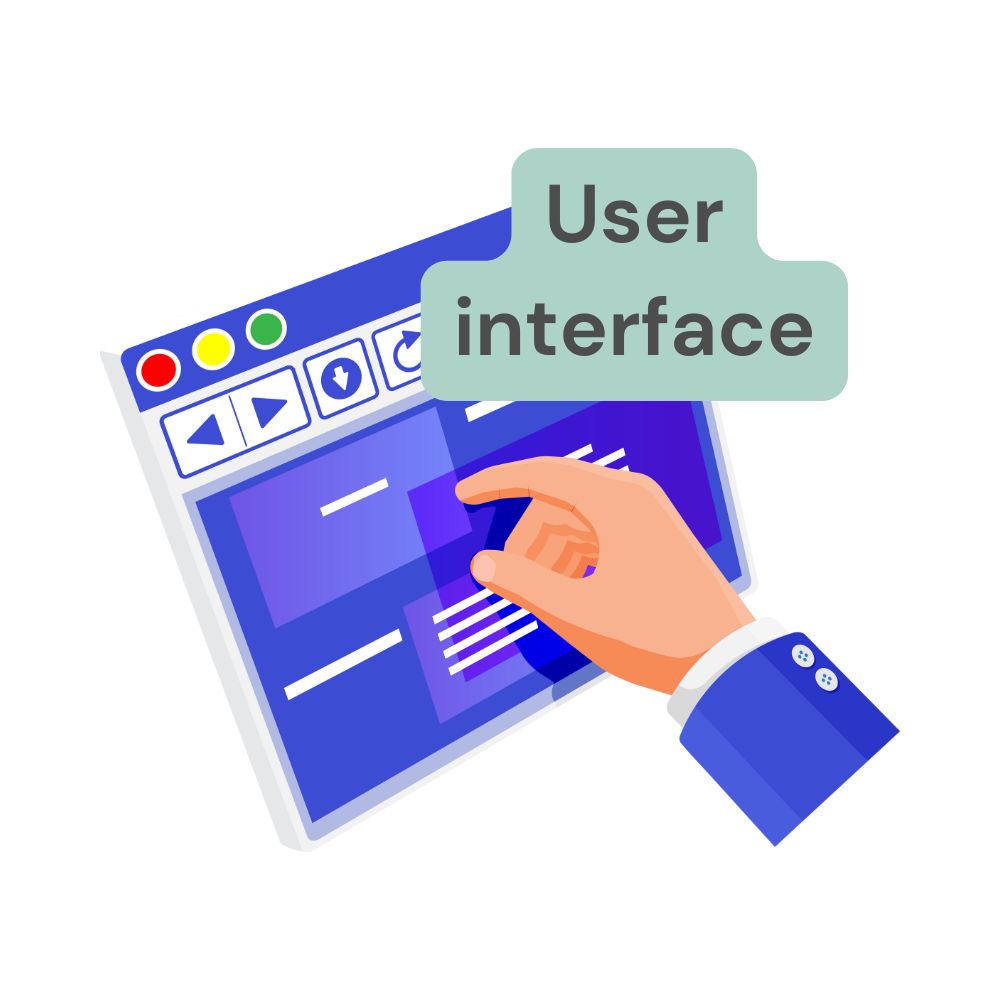
Benutzeroberfläche (UI)

Die Benutzeroberfläche ist der sichtbare Teil einer Software, den die Nutzer bedienen. Dazu gehören Buttons, Menüs oder Textfelder. Eine gute Benutzeroberfläche macht ein Programm einfach und angenehm zu benutzen. 
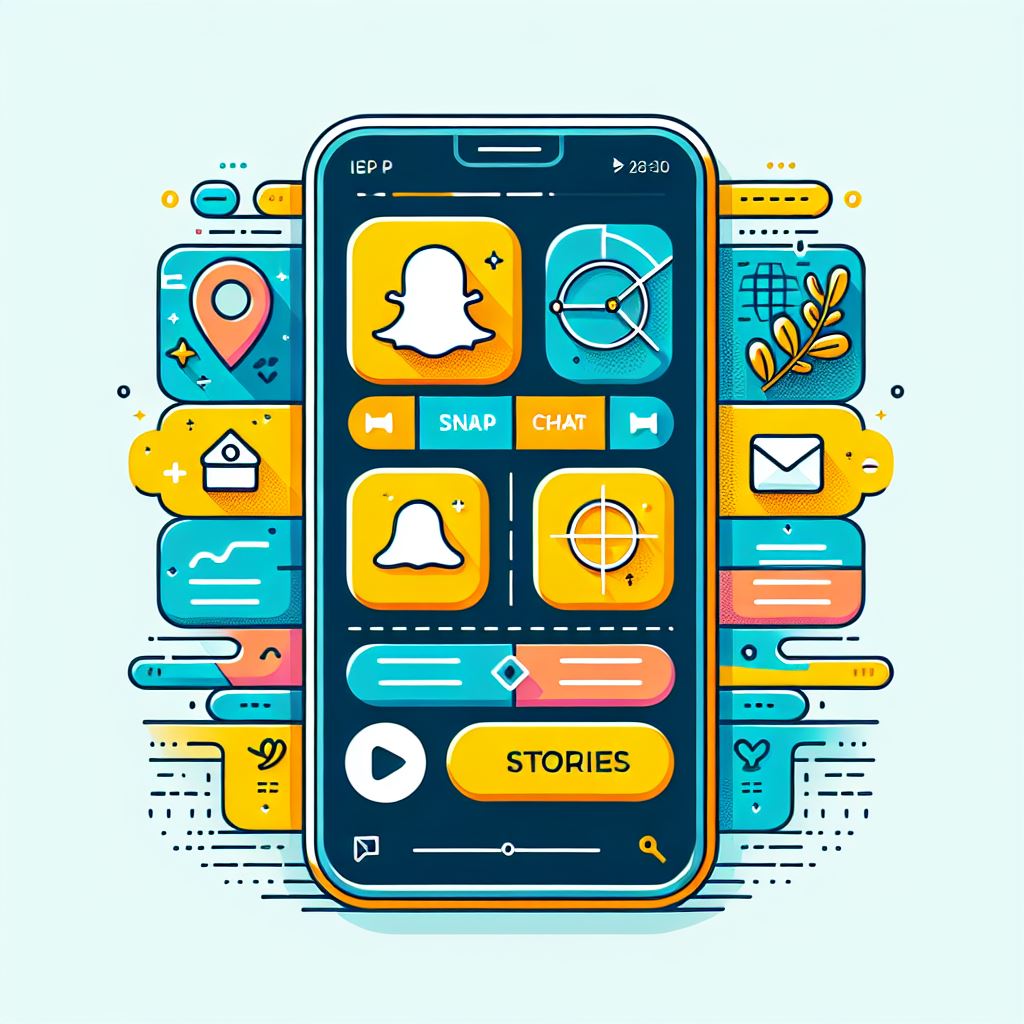
Beispiel: Das Menü auf Snapchat ist eine Benutzeroberfläche. 

Wortherkunft: Englisch, user = Benutzer, interface = Schnittstelle. 
Bedeutung: Der Teil eines Programms, den Nutzer sehen und bedienen können. 

Backend

Das Backend – Der geheime Boss hinter der Software! 🚀

Im Backend laufen alle wichtigen Prozesse ab: Logik (also wie die Software entscheidet, was sie tun soll) und Datenverarbeitung (also wie sie Informationen speichert und abrufen kann). Es sorgt dafür, dass die Dinge, die du siehst und benutzt (das Frontend), richtig funktionieren. Ohne das Backend gäbe es keine neuen Nachrichten, keine Updates oder keine Personalisierungen in Apps.

Beispiel YouTube:
Das Backend von YouTube speichert all die Videos, die du dir ansiehst, und kümmert sich darum, dass sie richtig abgespielt werden. Es verwaltet auch die Nutzerkonten, damit du dich einloggen kannst und YouTube weiß, welche Videos du schon gesehen hast oder welche du empfehlen solltest.

App

Was ist eine App? Dein Helfer auf dem Smartphone!

Eine App (kurz für „Application“ = Anwendung) ist ein Programm, das speziell für Smartphones oder Tablets entwickelt wurde. 📱 Es hilft dir dabei, bestimmte Aufgaben zu erledigen, und ist meistens so gestaltet, dass sie leicht zu bedienen ist.

Was machen Apps?
Apps gibt es für fast alles: zum Chatten, Spielen, Lernen, Einkaufen und vieles mehr. Du kannst sie in App-Stores herunterladen, und sie können entweder kostenlos oder kostenpflichtig sein.

Beispiel:
WhatsApp ist eine App, mit der du Nachrichten senden, telefonieren oder Fotos teilen kannst – ganz einfach mit deinen Freunden oder deiner Familie.

Hardware

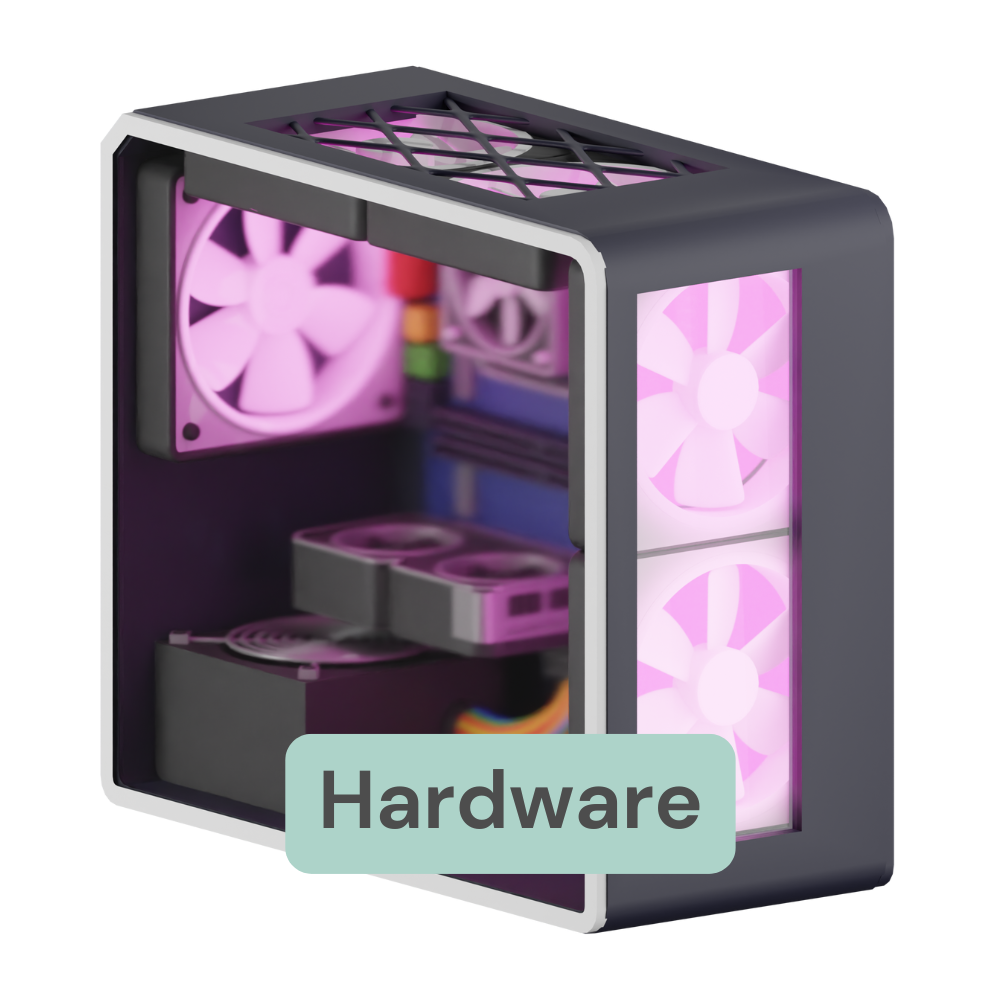
Hardware ist alles an einem elektronischen Gerät, das man anfassen kann. Es sind die physischen Teile, aus denen ein Gerät besteht.

Eigenschaften:

  • Hardware kann man sehen und anfassen.
  • Führt Aufgaben aus, die die Software ihr vorgibt
  • Wenn etwas kaputtgeht, muss es oft physisch repariert oder ersetzt werden


Beispiele: Tastatur, Maus, Bildschirm, Festplatte, Prozessor, Ozobot

Cybersecurity

Cybersecurity bedeutet, die digitale Welt sicher zu machen. Sie schützt Computer, Netzwerke und Daten vor Angriffen wie Viren, Hackern oder Datenklau. In einer immer digitaleren Welt ist Cybersecurity besonders wichtig, um persönliche und sensible Daten – wie Passwörter, Fotos oder private Nachrichten – vor Missbrauch zu schützen. 

Warum ist das wichtig für dich?

Stell dir vor, jemand hackt dein Social-Media-Konto und postet Dinge, die du nie schreiben würdest. Oder dein Schulprojekt verschwindet plötzlich, weil ein Virus deinen Computer lahmgelegt hat. Cybersecurity sorgt dafür, dass so etwas nicht passiert.

Coole Beispiele aus deinem Alltag:

Antivirus-Programme: Sie erkennen schädliche Software und blockieren sie, bevor sie Schaden anrichten kann.

Sicheres WLAN: Wenn dein WLAN passwortgeschützt ist, können sich Fremde nicht einloggen und deine Daten ausspionieren.

Eines der größten Cybersecurity-Versagen passierte bei Yahoo, einem bekannten Internetunternehmen. Zwischen 2013 und 2014 wurden die Daten von 3 Milliarden Nutzerkonten gestohlen – Namen, E-Mails und Passwörter. Das war der größte Datenklau in der Geschichte des Internets! Yahoo wurde dafür scharf kritisiert, weil sie nicht rechtzeitig Maßnahmen ergriffen hatten.

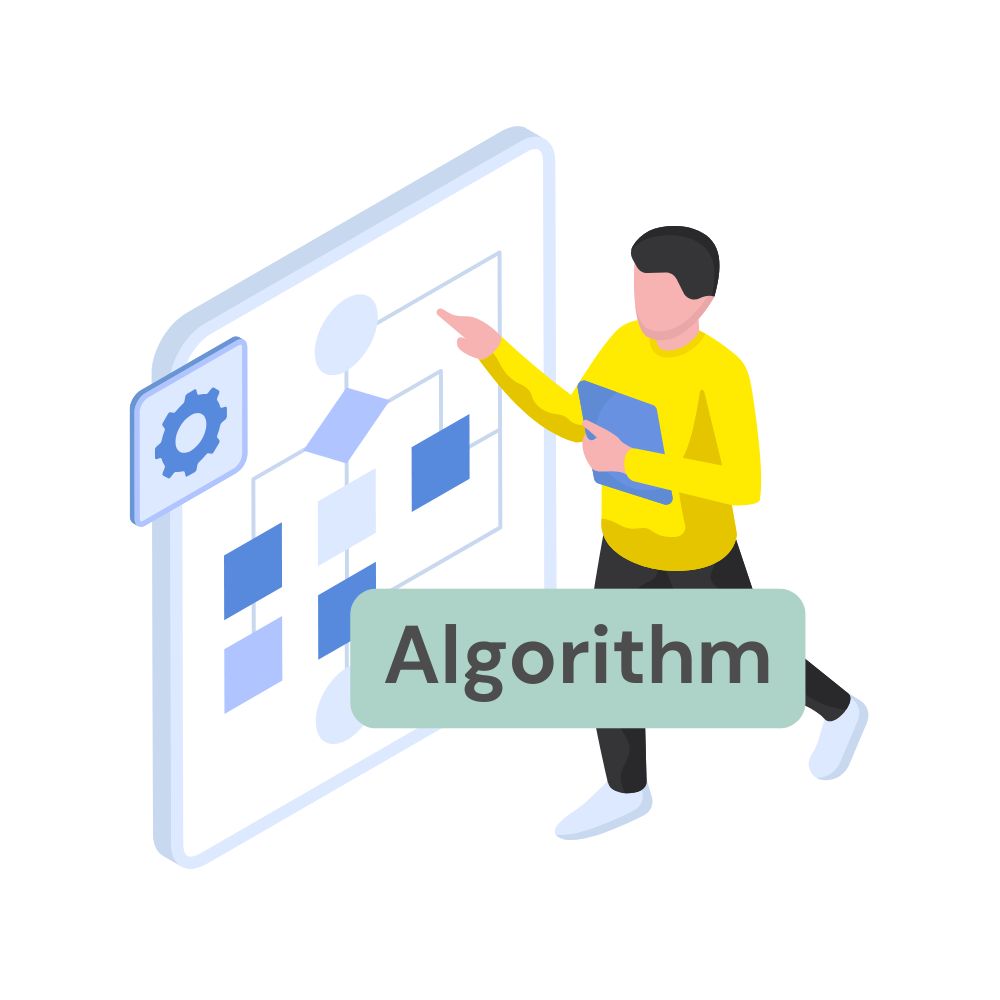
Algorithmus

Ein Algorithmus ist eine klare Schritt-für-Schritt-Anleitung, um ein Problem zu lösen. Er funktioniert wie ein Rezept: Erst eine Aufgabe, dann die nächste, bis das Ziel erreicht ist. Algorithmen stecken in vielen Dingen, z. B. wenn Instagram entscheidet, welche Posts du zuerst siehst. 
Beispiel: Der Algorithmus von Netflix empfiehlt Filme, die dir gefallen könnten. 

Wortherkunft: Abgeleitet vom Namen des persischen Mathematikers Al-Chwarizmi (9. Jahrhundert). 
Bedeutung: Eine Schritt-für-Schritt-Anleitung, um ein Problem zu lösen. 

Virtual Reality

Was ist Virtual Reality (VR)? Tauche ein in digitale Welten!

Virtual Reality (VR) ist eine künstliche, von Computern erstellte Umgebung, die so aussieht und sich so anfühlt, als wäre sie echt. Mit speziellen VR-Brillen kannst du diese Welten sehen und erleben, als wärst du mittendrin. 🎮🌍

Wie funktioniert VR?
Eine VR-Brille zeigt dir Bilder, die um dich herum bewegt werden, während du dich drehst oder schaust. Oft gibt es auch Controller, mit denen du Dinge anfassen oder steuern kannst. Alles zusammen sorgt dafür, dass du dich komplett in der virtuellen Welt fühlst.

Beispiel:
In dem Spiel „Beat Saber“ schlägst du mit virtuellen Lichtschwertern Musikrhythmen, die auf dich zufliegen – und das alles in einer 3D-Welt, die nur durch die VR-Brille sichtbar ist. 🎶✨

Plugin

Ein Plugin ist wie ein Upgrade für ein Programm. 🚀 Es fügt zusätzliche Funktionen hinzu, die es vorher nicht gab. So kannst du ein Programm ganz einfach an deine eigenen Wünsche und Bedürfnisse anpassen, ohne dass du die gesamte Software neu installieren oder verändern musst.

Wie funktioniert das?
Ein Plugin wird installiert und „dockt“ an das Hauptprogramm an. Es arbeitet dann zusammen mit der Software, um neue Features bereitzustellen.

Beispiel:
Stell dir vor, du surfst im Internet und wirst ständig von nerviger Werbung unterbrochen. 😡 Mit einem Plugin für deinen Browser (zum Beispiel einem Adblocker) kannst du die Werbung blockieren und hast ein angenehmeres Surferlebnis.


Wafer

A wafer is a thin disc, usually made of high-purity silicon, which serves as the basis for the manufacture of microchips. Wafers are typically only a few millimeters thick, but can have a diameter of up to 300 millimeters. Without wafers, it would not be possible to produce microchips, which are used in computers, smartphones, medical devices, and numerous other applications.

Transistor

A transistor is a small electronic component that functions like a switch or amplifier. It can be thought of as a valve that controls the flow of electrical energy. When a small amount of current is applied to a specific part of the transistor, it allows a larger amount of current to flow through another part.

Manufacturing a wafer - A skyscraper model

Imagine that manufacturing a wafer is like constructing a modern skyscraper:

Laying the foundation (silicon extraction):

It all begins with the extraction of high-purity silicon from quartz sand, similar to laying the foundation of a building.

Foundation (melting and forming):

The silicon is melted and formed into a solid single crystal rod, which serves as the stable foundation of the skyscraper. This rod is also called an “ingot.”

Floors (cutting and polishing):

The single crystal rod is cut into thin slices, which are like the individual floors of a skyscraper. These slices are carefully polished to obtain a smooth and even surface, similar to how the floor of each floor is prepared.

Interior construction (photolithography, etching, and doping):

On each floor (wafer), complex structures are built using various processes such as photolithography, etching, and doping. These processes correspond to the interior construction of the high-rise building, in which walls, pipes, and rooms are designed. This results in millions of transistors and other electronic components in several layers, which are arranged like various installations on the floors.

Completion (cutting and installation)

Once the work is complete, the high-rise building (wafer) is divided into individual apartments (chips). These apartments are then further processed and installed in various districts (electronic devices).

*Please note that artificial intelligence (AI), namely Copilot, was used to create the following text and the attached image. All content generated by this AI is subject to Copilot’s applicable copyright provisions and usage guidelines.

Cleanroom

A cleanroom is a controlled room in which the concentration of particles in the air is reduced to a minimum in order to ensure a clean environment for the manufacture of chips. Strict measures are taken in a cleanroom to control air purity, temperature, and humidity. Employees wear special clothing. This means that the air in the production halls is cleaner than in an operating room. Here is an example: If a single hair enters a clean room, it could damage the surface of a wafer, resulting in a defective chip.

A human hair has a diameter of about 50 to 100 micrometers. By comparison, the structures on modern microchips are often only a few nanometers in size, which means they are a thousand times smaller than the diameter of a hair.

Source: Clean Plants Happy Plants. (n.d.). Why It Works. Retrieved July 15, 2024, from https://www.cleanplantshappyplants.com/whyitworks/index4.html

How can one imagine micro- and nanometers?

A micrometer (µm) corresponds to one millionth (1/1,000,000) of a meter. A human hair has a diameter of 50 to 100 micrometers.

Image link: nanotechnology |

A nanometer (nm) is one billionth (1/1,000,000,000) of a meter. This is even smaller than a micrometer (µm) and corresponds approximately to the size of about ten water molecules arranged in a row.

Yellow light – Why is everything yellow in the cleanroom?

Yellow light is used in clean rooms to protect the sensitive photoresists used in microchip manufacturing. These photoresists react to certain wavelengths of light, especially short-wave, blue, and ultraviolet light. If exposed to this light without protection, they could undergo unwanted chemical reactions and distort the fine patterns transferred to the wafers.

The use of yellow light ensures that the photoresists only react when intended in the controlled production process. This contributes significantly to ensuring the precision and quality of the microchips.

Picture Source: René Höltschi. (2021). Bosch opens chip factory in Dresden. Neue Zürcher Zeitung. Retrieved July 15, 2024, from https://www.nzz.ch/wirtschaft/bosch-eroeffnet-chip-werk-in-dresden-nzz-ld.1629105

Mikrochips

Mikrochips, auch integrierte Schaltkreise (ICs) genannt, bestehen meist aus Silizium. Sie werden in Reinräumen unter extrem sauberen Bedingungen hergestellt. Du möchtest einen Einblick in die Fabrik werfen? Klick auf den Button und erkunde die Chipfabrik von Bosch in Dresden.

Mikrochips haben die Art und Weise, wie wir leben und arbeiten, revolutioniert. Sie sind aus unserem täglichen Leben nicht mehr wegzudenken. Ohne Mikrochips würde kein Smartphone, kein Fernseher und auch keine elektrische Zahnbürste mehr funktionieren.

Change the World

Chip designer Emma lives in the year 2050 and – by chance – finds herself in a game where nothing less than creating a humanoid robot using her IC design skills and thus changing the future is at stake.

Will Emma succeed? See for yourself!

*English subtitles available

Chips in application

We use thousands of them every day, and no technical device would work without them: microchips of various sizes, some as tiny as the head of a match.

Did you know how many chips are built into a smartphone or a hybrid car?

Source: Silicon Saxony. (2023). NEXT 2023: Microelectronics. Retrieved from https://silicon-saxony.de/wp-content/uploads/2023/11/NEXT_2023_Microelectronics_SiliconSaxony_Link.pdf

Source Code

The source code is the text that programmers write to create a program. It consists of commands in a programming language. Once the source code is complete, it is turned into executable software.
Example: Source code controls how a button in an app works.

Word origin: English, source = source, code = code.
Meaning: The text from which software is created, written by programmers.

Programing Language

Programming languages are special languages that people can use to write programs. They have clear rules and commands that computers understand. Well-known languages include Python, Java, and HTML.

Example: With Scratch, a visual programming language, students can create games.

What are programming languages?

Programming languages are special languages used to write computer instructions. They allow us to create computer programs that perform various tasks. Here are some examples:

C: One of the oldest programming languages, which is still widely used. It is often used for system programming and embedded systems. 

C++: An extension of C that enables object-oriented programming. It is used for developing games, software applications, and high-performance applications. 

Python:  A very popular and easy-to-learn programming language. Python is used for web development, data analysis, scientific calculations, and artificial intelligence. It is known for its clear and easy-to-read syntax. 

Java: A widely used programming language that runs on many platforms. Java is often used for developing mobile apps (especially Android apps), enterprise software, and web applications. It is known for its platform independence thanks to the Java Virtual Machine (JVM). 


*Please note that artificial intelligence (AI), namely Copilot, was used to create the following text and the attached image. All content generated by this AI is subject to Copilot’s applicable copyright provisions and usage guidelines.

Hardware

Hardware is everything on an electronic device that you can physically touch. It consists of the physical components that make up a device.

Characteristics:

  • Hardware can be seen and touched.
  • It performs tasks that the software instructs it to do.
  • If something breaks, it often needs to be physically repaired or replaced.
 

Examples: Keyboard, Mouse, Monitor, Hard Drive, Processor, Ozobot

Cybersecurity

Cybersecurity means making the digital world safe.
It protects computers, networks, and data from threats like viruses, hackers, or data theft.
In an increasingly digital world, cybersecurity is especially important to protect personal and sensitive information – such as passwords, photos, or private messages – from misuse.

Why is it imortant for you?

Imagine someone hacks your social media account and posts things you would never write.
Or your school project suddenly disappears because a virus has crashed your computer.
Cybersecurity helps make sure things like that don’t happen.

Cool examples from our everyday life:

Antivirus programs: They detect harmful software and block it before it can cause damage.

Secure Wi-Fi: If your Wi-Fi is password-protected, strangers can’t log in and spy on your data.

One of the biggest cybersecurity failures happened at Yahoo, a well-known internet company.
Between 2013 and 2014, the data of 3 billion user accounts was stolen – including names, emails, and passwords.
It was the largest data breach in the history of the internet!
Yahoo was heavily criticized for not taking timely action to prevent the attack.

Debugging

Debugging means finding and fixing errors in a program.
Errors can prevent a program from working correctly.
Debugging is an important part of software development.

Example:
If a game crashes, developers look for the bug and fix it.

Word origin:
English, debug = to remove errors (bug = insect, used here to mean a software error).

Meaning:
The process of finding and fixing errors in programs.

Frontend

The frontend is the visible part of a website or app that users interact with.
It includes the design and all interactive elements.
A good frontend helps users easily find what they’re looking for.

Example:
The area on Instagram where you read your messages is part of the frontend.

Word origin:
English, front = front, end = end.

Meaning:
The visible part of software that users can operate.

Backend

The Backend – The secret boss behind the software! 🚀

In the backend, all the important processes take place:
Logic (how the software decides what to do) and data processing (how it stores and retrieves information).
It ensures that the things you see and use (the frontend) work properly.
Without the backend, there would be no new messages, no updates, and no personalized content in apps.

Example – YouTube:
The backend of YouTube stores all the videos you watch and makes sure they play correctly.
It also manages user accounts so you can log in, and YouTube knows which videos you’ve already watched or which ones to recommend.

Algorithm

An algorithm is a clear step-by-step set of instructions used to solve a problem. It works like a recipe: first one task, then the next, until the goal is reached.
Algorithms are behind many things – for example, when Instagram decides which posts you see first.

Example:
The algorithm on Netflix recommends movies you might like.

Word origin:
Derived from the name of the Persian mathematician Al-Khwarizmi (9th century).

Meaning:
A step-by-step procedure for solving a problem.

Women in Tech

Sarah Detzler has always loved math. She never let gender stereotypes hold her back, but stayed true to her passion and now works as a Data Scientist at SAP.

Software

Software refers to programs that tell computers or smartphones what to do.They can be used for many purposes, such as playing games, writing texts, or listening to music.
Without software, hardware (like a computer) is useless.

Example:
Apps like TikTok or YouTube are software that run on smartphones.

Word origin:
From English: soft = soft, ware = goods.

Meaning:
Programs that control computers or devices. Unlike hardware (physical devices), software is not tangible.

Characteristics:

  • Software cannot be touched – it consists of code and data.
  • It tells the hardware what to do.
  • Software can be improved or changed through updates without touching the hardware.


Operating systems: Apps, Windows, macOS, iOS, Android.

App

What is an app? Your helper on your smartphone!

An app (short for application) is a program specifically designed for smartphones or tablets. 📱It helps you complete certain tasks and is usually designed to be easy to use.

What do apps do?

There are apps for almost everything: chatting, gaming, learning, shopping, and much more. You can download them from app stores, and they can be either free or paid.

Example:

WhatsApp is an app that lets you send messages, make calls, or share photos – easily with your friends or family.

Virtual Reality

What is Virtual Reality (VR)? Dive into digital worlds!

Virtual Reality (VR) is an artificial, computer-generated environment that looks and feels real. With special VR headsets, you can see and experience these worlds as if you were right inside them. 🎮🌍

How does VR work?

A VR headset shows you images that move around as you turn or look in different directions. Often, there are also controllers that let you touch or control things.
Together, this creates the feeling of being fully immersed in a virtual world.

Example:

In the game Beat Saber, you use virtual lightsabers to hit music rhythms flying toward you – all in a 3D world visible only through the VR headset. 🎶✨

Plugin

What is a plugin? Like an upgrade for your program! 🚀

A plugin (or add-on) is a tool that adds extra features to a program that weren’t there before. It lets you customize a program to fit your needs without reinstalling or changing the entire software.

How does it work?

A plugin is installed and “connects” to the main program.
It then works together with the software to provide new features.

Example:

Imagine you’re browsing the internet and constantly interrupted by annoying ads. 😡
With a plugin for your browser (like an ad blocker), you can block those ads and enjoy a smoother browsing experience.

User interface (UI)

The user interface is the visible part of a software that users interact with. It includes buttons, menus, or text fields. A good user interface makes a program easy and pleasant to use.

Example: The menu on Snapchat is a user interface.

Word origin: English, user = Benutzer, interface = Schnittstelle.

Meaning: The part of a program that users can see and operate.


Robot

A robot is a machine that can be programmed to perform specific tasks on its own. This means it doesn’t always need to be controlled by a human. Robots are used in many areas: in factories, they help assemble cars, and as vacuum robots like the “Roomba,” they clean floors. They are especially useful because they often work faster, more precisely, or more tirelessly than humans.

When is a robot truly a robot?

A robot is considered a real robot when it:

✅ Works automatically – It can perform tasks independently.

✅ Can be programmed – Humans give it commands that it follows.

✅ Uses sensors – It can perceive its surroundings (for example, through cameras or touch sensors).

✅ Moves or performs actions – It can drive, grab objects, or speak, for instance.

Examples of robots include industrial robots, service robots, or robots that assist humans in medicine.

Humanoide Robot

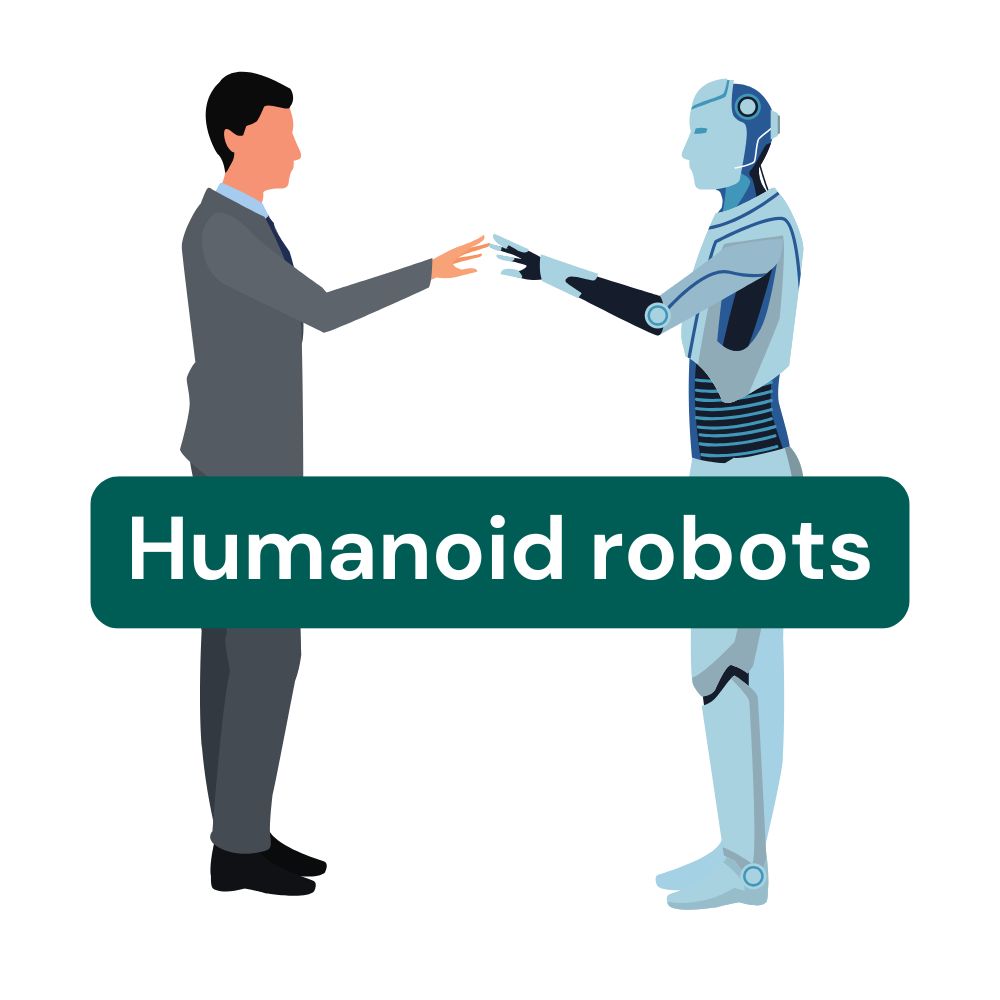
A humanoid robot is a robot that resembles a human in its design. Unlike an android, however, it is not intended to exactly imitate a human. Its joints and movements are modeled after the human body, allowing it to move in a human-like way.

In addition, a humanoid robot has sensors that help it perceive its surroundings – for example, through hearing, seeing, and touching. These abilities help it interact more effectively with people. Humanoid robots are especially useful for everyday service tasks, such as assisting in households or in caregiving.

Effector

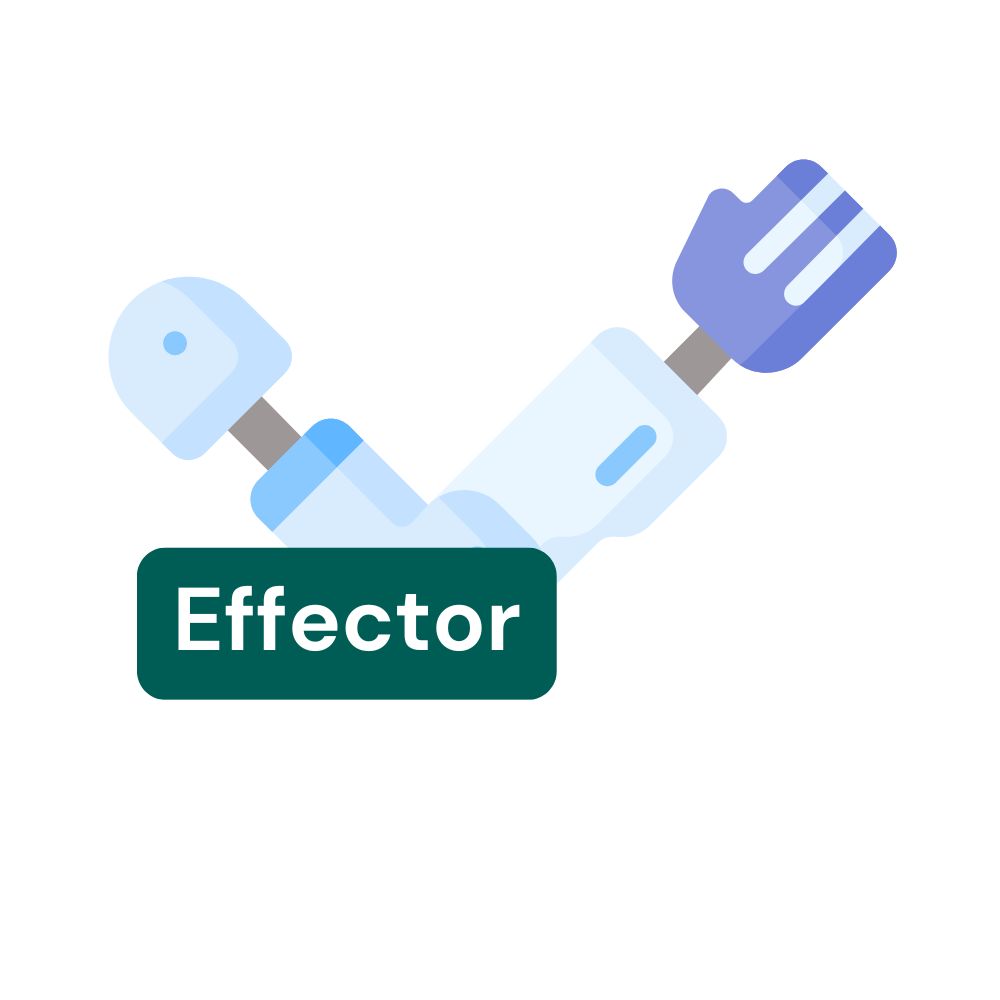
The effector refers to the tool at the end of a robot arm that is guided by the robot to the workpiece. As the end of the kinematic chain, this type of gripper is the part of the robot that performs the target task. End effectors are used for the robot’s interaction: to grip, process, or rotate a workpiece.

Different gripper systems vary in their methods:

  • Mechanical effectors 🛠️ resemble a pair of pliers and grip the workpiece directly.
  • Vacuum suction cups 🧲, which suck in the workpiece for transport or processing, are called pneumatic grippers.
  • Magnetic effectors 🧲 attract the workpiece using magnetism.


These end effectors enable the robot to interact with the world and carry out various tasks.
Sensor

A sensor collects information from the environment, such as light, heat, or touch. For example, a motion sensor detects whether someone is in the room and turns on the light. In robots, sensors help detect obstacles or measure changes in temperature.

Prototype

A prototype is the first model or a test version of a product. It allows ideas to be tested and improved before the final product is manufactured.

In robotics, a prototype can be a simple robot made of cardboard and motors used to test functions. A well-known everyday example is the test model of a new toy, which is first evaluated before being mass-produced and sold.

Automation

Automation 🤖 means that machines perform tasks independently, without direct human intervention. They operate based on predefined programs or instructions and often complete tasks faster, more precisely, and more efficiently than humans.

An example of automation is the assembly line 🏭 in a factory, where machines take over the work to produce products more quickly. This type of automation helps speed up the production process and reduce errors. For instance, a robot arm 🦾 can assemble parts or place them in the correct position while the assembly line continuously moves the items forward.

Robots are often a key part 🔑 of automation. They take on many tasks that are too dangerous, exhausting, or repetitive for humans. In industry 💼, they can assemble products, paint 🎨, weld 🔥, or inspect ✅ them. In medicine 🏥, robots assist in surgeries or help care for patients.

Advantages of automation:

  • Speed ⚡: Machines can work around the clock without breaks and are often faster than humans.
  • Precision 🎯: Robots perform tasks accurately and without errors.
  • Cost savings 💸: Although robots are expensive to purchase, they save money in the long run by working faster and more reliably.

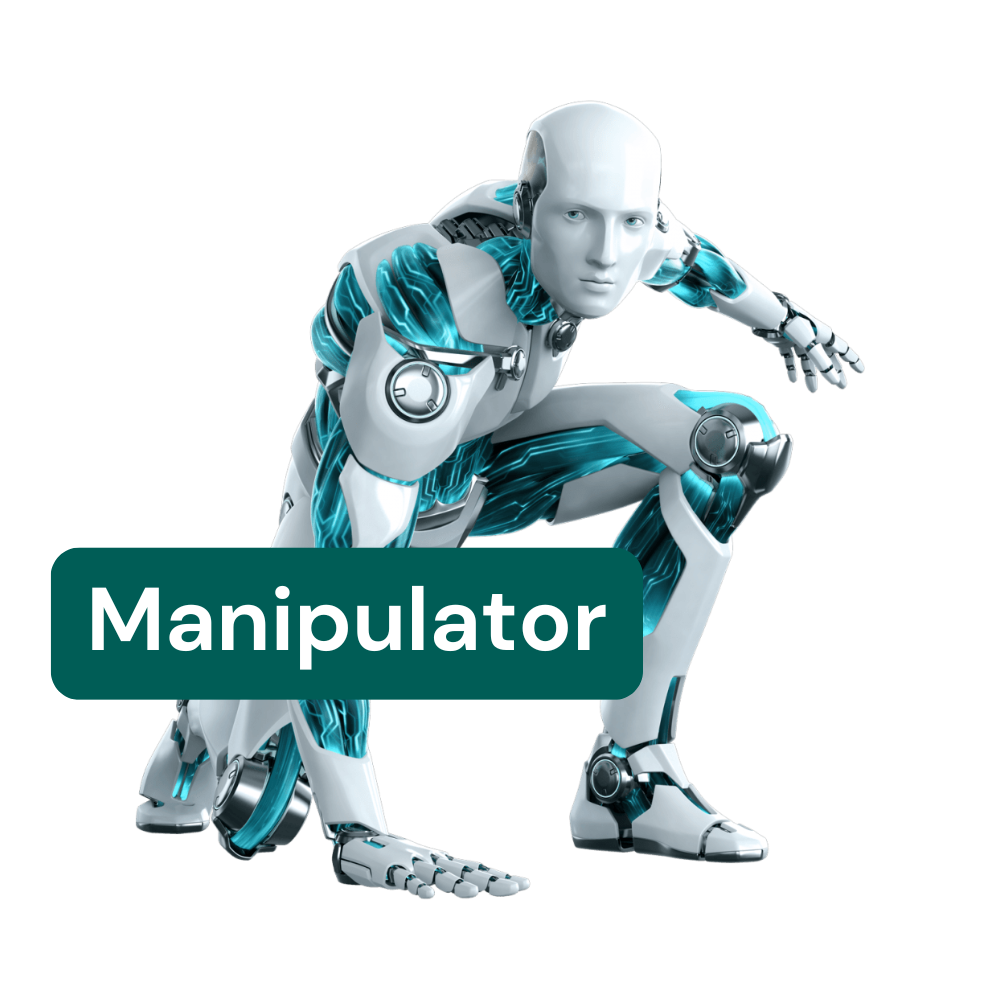
Manipulator

The manipulator 🤖 is the part of the robot that controls the movement of the end effector 🛠️ in space. The robot arm consists of several rigid links 🔗 connected by joints 🔄. With controlled drives ⚙️, the position of these joints can be changed. One end of this chain of links is the base, while the other end is freely movable and equipped with a tool or gripper.

By combining linear and rotational movements, modern industrial robots can reach almost any position, making it much easier to work in hard-to-reach areas.

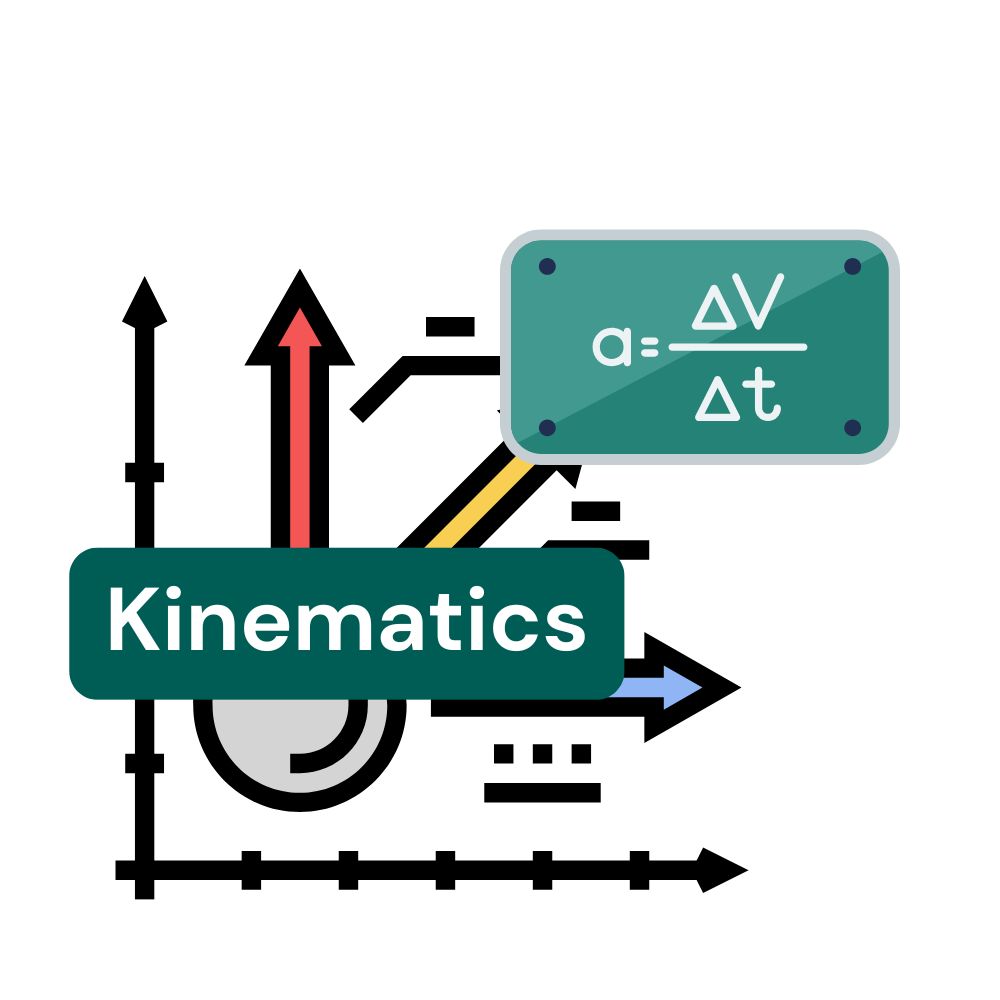
Kinematics

Kinematics 🏃‍♂️ of a robot describes how it can move – that is, the combination of linear ➡️ and rotational 🔄 movements. Robots can have different numbers of axes 🔧, depending on the tasks they are designed for and how they are programmed.

How many axes does a robot have?
Industrial robots usually have at least three axes 🔢. Many larger models used in factories have six axes 🔄, because this makes mathematical sense. Why? A point in space always has six degrees of freedom 🎯:

  • Three degrees of freedom to define its position (e.g., left/right ↔️, forward/backward ↕️, up/down ⬆️⬇️).
  • Three more degrees of freedom to define its orientation (e.g., rotated 🔄, tilted 🔁).

How do the movements work?
The first three axes of the robot define the area in which it can grip 🤲 or work 🛠️ – this is called the workspace or reach. The remaining three axes help the robot orient the object it is holding – rotating 🔄 or tilting 🤔 it to position it precisely.

What about the seventh axis?
Some robots have a seventh axis, which allows them to move over longer distances, for example, parallel to an assembly line 🚚. This makes them especially flexible and efficient ⚡ in production.

This way, robots in factories can take on many tasks, such as welding 🔥painting 🎨, or assembling parts 🔧 with precision!

Actuator

An actuator is a component of a robot that enables movement. This includes, for example, motors or hydraulic systems. An actuator can drive the wheels of a robot or move the arm of an industrial robot. Without actuators, robots would not be able to move or grasp objects.

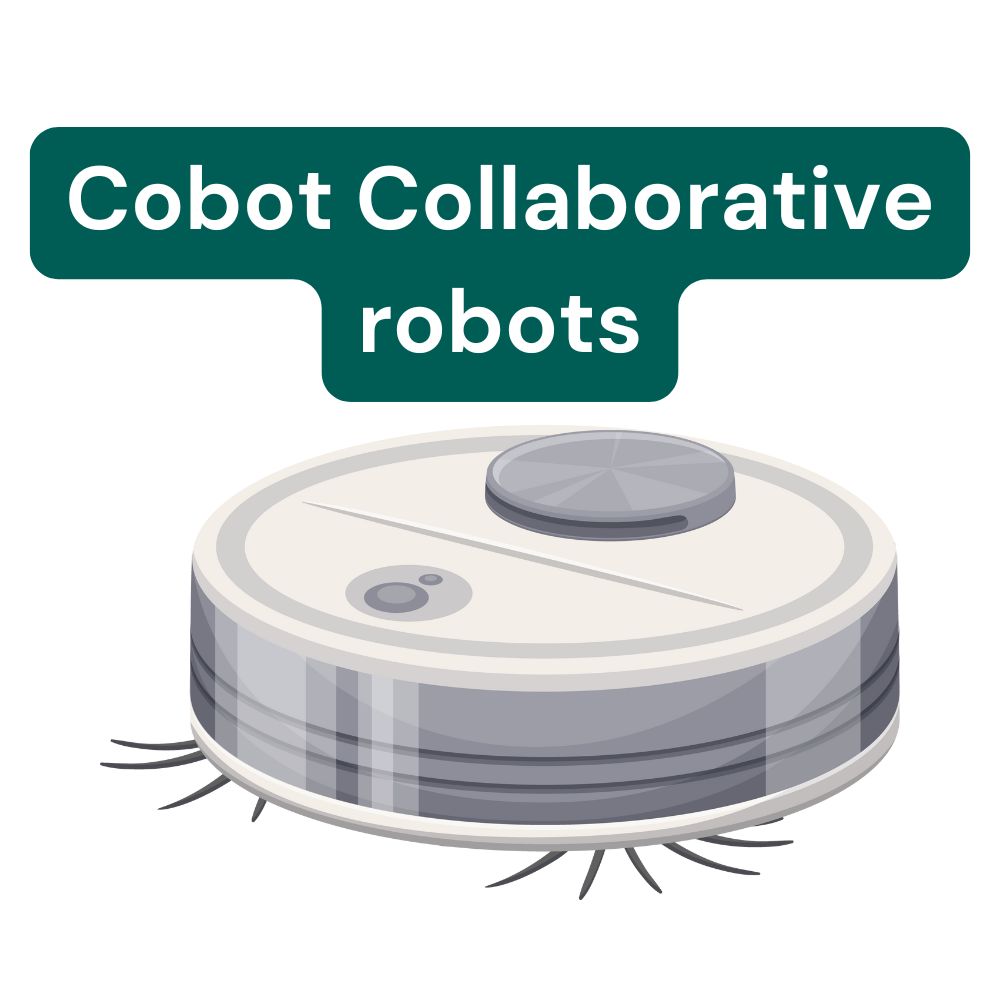
Collaborative robots

Collaborative robots, also known as “cobots,” work safely alongside humans. Cobots are small, easy-to-use robots and are becoming increasingly popular in manufacturing and skilled trades. They are programmed to respond to touch or danger and can stop when necessary.

An example is a cobot that assists with assembly in a factory without posing a risk to humans.

The major advantage of collaborative robots lies in their less complex programming and ease of use. They also simplify human-robot collaboration (HRC).